How to Build an AI Content Workflow Google Won’t Penalize (2026)
The short version: Google doesn’t penalize AI content — it penalizes unedited, mass-produced, thin content, however it was made. The workflow that works in 2026: a human picks the topic and angle → AI drafts → a human fact-checks, adds real experience, and edits → publish at a sustainable pace. This post walks through each step of my AI content workflow.
Why trust this: I teach and research AI for a living — professor of AI and robotics, former Samsung researcher — and I use this exact workflow on my own site every week.
Let me say this plainly: the “AI content gets penalized” panic is aimed at the wrong target. In 2026, sites publishing thousands of unedited AI pages watched search traffic collapse — while sites publishing a modest number of carefully edited, genuinely useful AI-assisted articles have grown. The difference was never the AI. It was the editing.
Here’s the exact workflow I recommend — seven steps, with the two human checkpoints that make all the difference.
Want the one-page version? Grab the free AI Content Workflow Checklist (PDF) — the exact steps I use on every post.
Why Google targets “scaled content abuse,” not AI
Google’s spam policies name the actual offense: scaled content abuse — producing many pages primarily to manipulate rankings rather than help readers. AI just made that abuse cheaper, so enforcement followed. The flip side matters for honest writers: if a human verifies facts, adds first-hand experience, and edits for the reader, AI-assisted content is simply… content. Google’s own guidance rewards experience, expertise, authoritativeness, and trust (Google’s E-E-A-T standard), regardless of what tool produced the first draft.
The 7-step AI content workflow
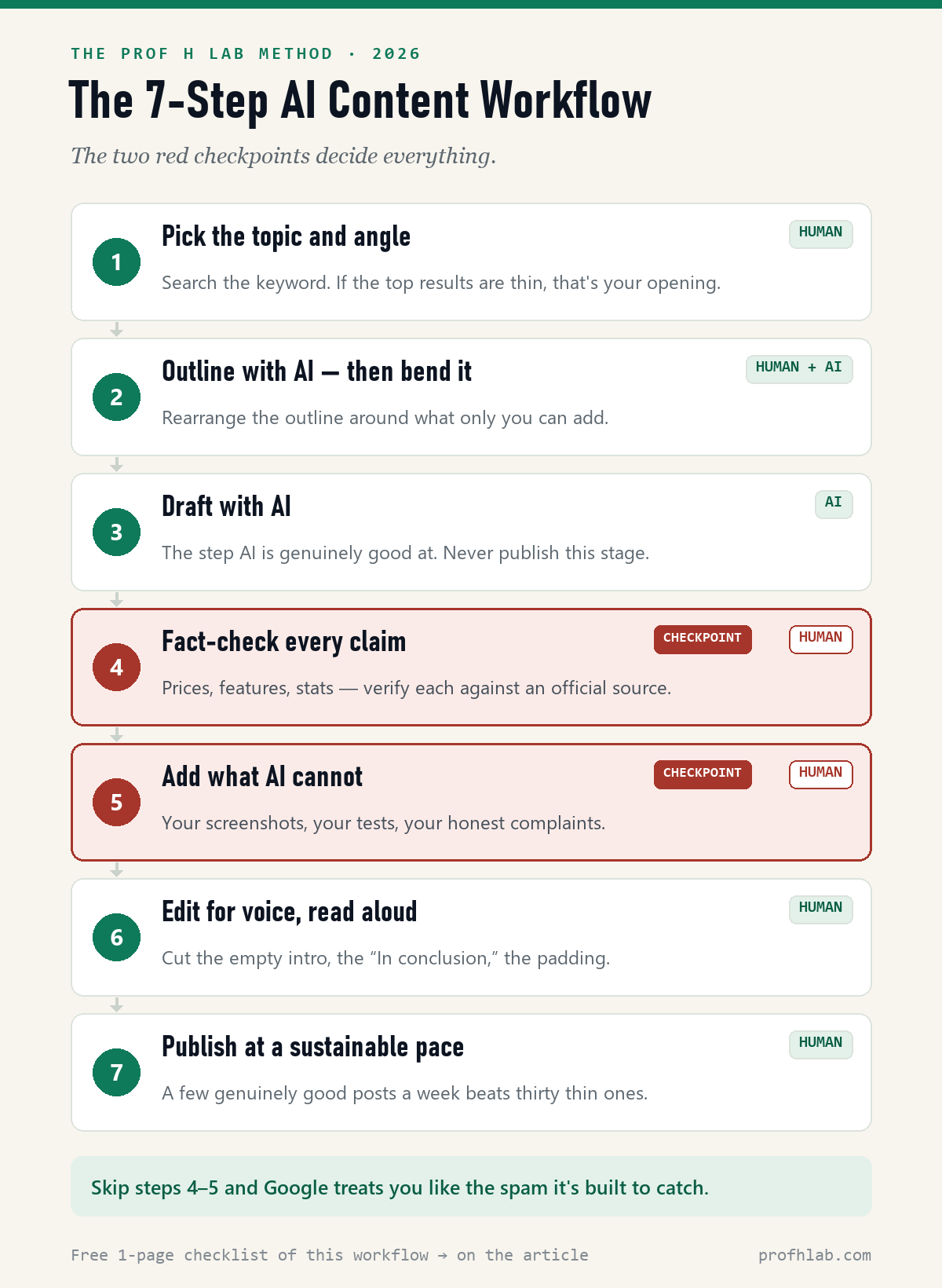
Step 1: Pick the topic and angle — human
Search your target keyword. If the top results are thin or generic, that’s your opening. Decide what YOU can add that they can’t: a test, a dataset, a professional’s judgment.
Step 2: Outline with AI, then bend it — human + AI
Let AI draft the outline, then rearrange it around your unique angle. If your outline could belong to any site, readers (and Google) will treat it that way.
Step 3: Draft with AI — AI
Generate the full draft. This is the step AI is genuinely good at. It is also the step where stopping is fatal — never publish what comes out of this stage.
Step 4: Fact-check every claim — human ✋
Prices, features, statistics, names, dates: verify each against an official source. AI invents details with total confidence. This checkpoint is non-negotiable — it’s also what the FTC — the U.S. consumer-protection agency — expects of reviews.
Step 5: Add what AI cannot — human ✋
Your screenshots, your test results, your honest complaints, your recommendation for a specific kind of reader. One paragraph of real experience outranks ten paragraphs of summary.
Step 6: Edit for voice, then read it aloud — human
Cut the empty intro, the “In conclusion,” the list-shaped padding. If a sentence sounds like every AI ever, rewrite it or delete it.
Step 7: Publish at a sustainable pace — human
A few genuinely good posts a week beats thirty thin ones. Volume without editing is exactly the pattern Google’s systems are built to catch.
A concrete example: my recent comparison of ChatGPT, Claude, and Gemini went through exactly this pipeline. The AI draft took minutes; my human pass took over two hours. In step 4 I re-verified every price against the official pages, and in step 5 I ran the same 150-word brief through all three tools myself and added the screenshots. Fast draft, slow judgment — that ratio is the whole point.
That pattern holds for every post on this site: an AI first draft almost always arrives as a competent skeleton — the core points, correctly ordered, and little else. So the real work is the refinement loop: follow-up prompts until the piece walks through concrete examples a reader can copy, then building or finding the image each step needs.
Done properly (I run mine in Claude, but any capable model works), that pass takes anywhere from thirty minutes to a few hours per article — and that is exactly what sets your article apart. The draft is what everyone else publishing on your topic already has; the worked examples and step-by-step visuals are what the other thousand articles don’t.
The two checkpoints that decide everything
If you remember nothing else: steps 4 and 5 are the workflow. Fact-checking keeps you accurate and trustworthy; adding first-hand experience makes the page worth ranking. Every AI-content failure story I’ve examined skipped one or both.
The prompt pack: run steps 2–4 today
Reading about a workflow doesn’t publish posts. Copy these three prompts — they run steps 2 through 4 for you, ready to paste:
Step 2 — bend the outline around what only you know:
Here is an outline for a post about [topic]: [paste outline]. Here is what I know that most writers don’t: [your experience, data, or opinion]. Rearrange the outline so that unique material leads, and cut anything any random blog could have written.
Step 3 — draft in your voice, not AI’s:
Write the full draft from this outline. Rules: short sentences. No “In today’s fast-paced world,” no “delve,” no “game-changer.” Write like you’d explain it to a smart friend at lunch: [paste outline]
Step 4 — make AI audit its own draft:
List every factual claim in this draft as a table with three columns: the claim | what source would verify it | your confidence (HIGH or LOW). Be honest about anything you may have invented: [paste draft]
That last prompt is the keeper. Here’s what its output looks like on a real draft:
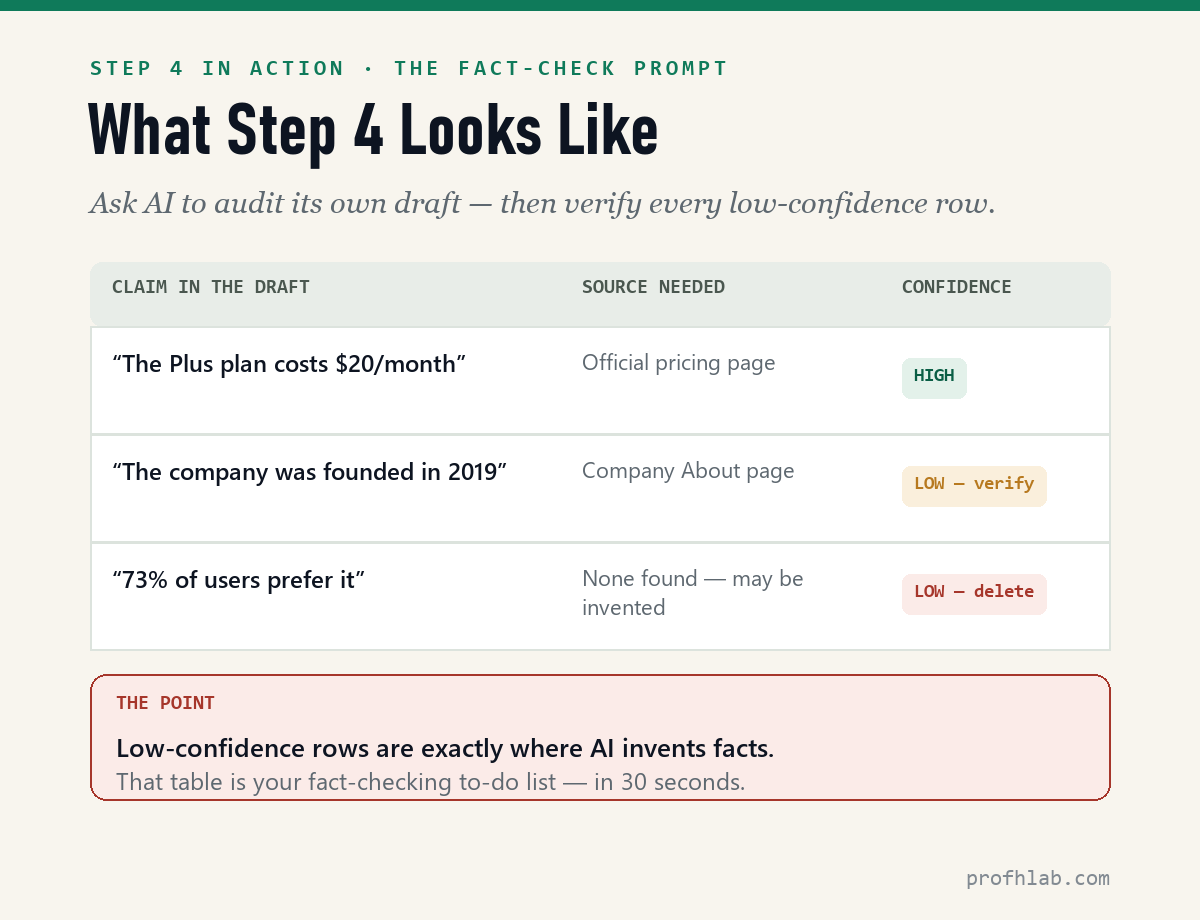
The LOW rows are your to-do list. Verify or delete every one before you publish — that 30-second table is the difference between AI-assisted and AI-generated.
Which tools fit this workflow?
Any capable model works for steps 2–3. I compare the main options in my guide to ChatGPT vs Claude vs Gemini for writing, and if you want a purpose-built writing platform with brand voice and campaign tools, see my best AI writing tools roundup and my hands-on Jasper review. The workflow stays the same regardless of tool.
Google penalizes unhelpful content, not the use of AI
Will Google penalize my site for using AI?
Not for using AI. It penalizes unhelpful, mass-produced content — AI-made or human-made. Follow the two human checkpoints and you’re on the right side of the policy.
Should I disclose that I use AI?
Yes — briefly. Transparency builds trust. A short note in your editorial policy (“AI assists with drafts; humans fact-check and edit everything”) is both honest and increasingly expected.
How many posts per week is safe?
There’s no magic number — the limit is how many posts you can genuinely fact-check and edit. For most solo writers that’s 2–5 per week, not per day.
How do I get ChatGPT to write like a human?
You edit it — that is steps 5 and 6. Add your own experience and examples, then cut the AI clichés: the empty intro, the “In conclusion,” the list-shaped padding. The step 3 prompt above helps too, by banning the worst offenders before they appear.
AI didn’t lower the bar for content; it raised it for editing
AI didn’t lower the bar for content; it raised the bar for editing. Use the machine for the draft, keep the judgment for yourself, and publish only what you’d stand behind with your name on it. That’s the entire secret — and it fits in seven steps.
Get the free AI Content Workflow Checklist (PDF) — print it and keep it next to your keyboard. I’ll send it straight to your inbox.
The timed prompts and the tools that plug into this workflow
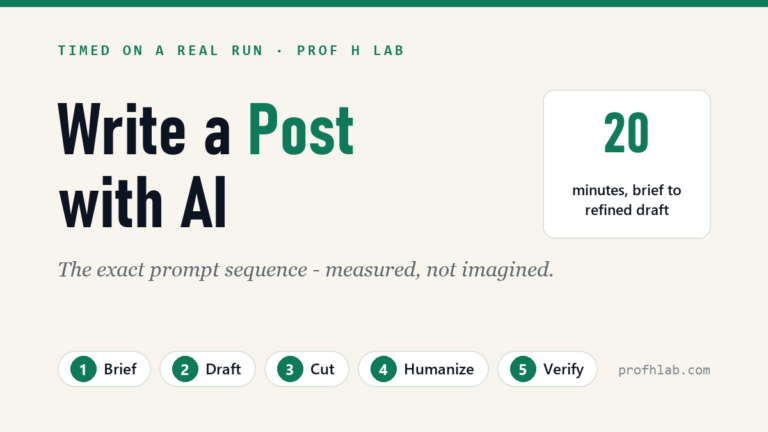
- How to write a blog post with AI: the exact prompts, timed — the five-prompt sequence, measured on a real run (20 minutes, 610→455 words).
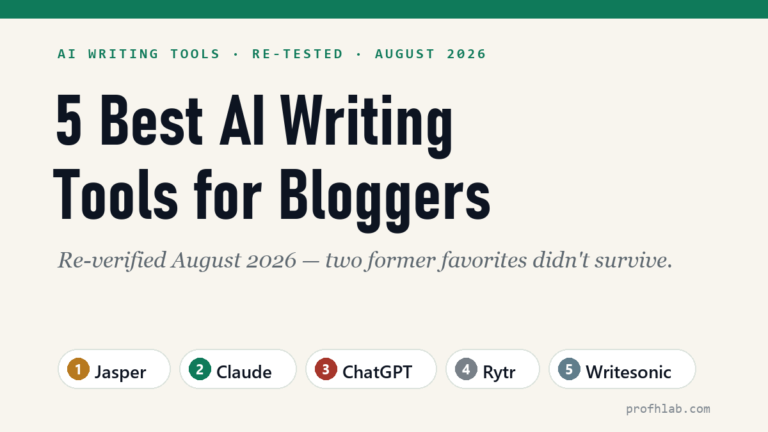
- The 5 best AI writing tools for bloggers — which tool to plug into this workflow, re-ranked for 2026.
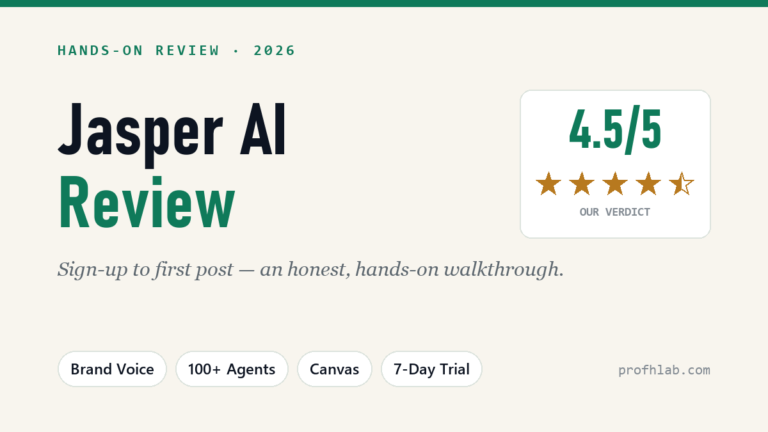
- Jasper AI review: sign-up to first post — the top marketing system, tested hands-on.
- ChatGPT vs Claude vs Gemini for writing — the $20 generalists compared.
- Best CRM for small business — the same pick-tools-deliberately method, applied to CRMs (including what’s genuinely free).
- How to use ChatGPT: step by step for beginners over 50 — the plain-English walkthrough I hand to anyone just starting, screenshots and all.
About the author
Prof. H is a professor of AI and robotics, a former Samsung researcher, and the author of dozens of textbooks on AI and automation. He writes hands-on, no-hype reviews of AI tools and software. More about the author →
Full index
Every guide in the Generative AI library
Start with AI, at any age
AI writing tools, reviewed
Working with AI
- ▸ An AI workflow Google won’t penalize (you are here)
- Best CRM for small business
Curious about robots, humanoids, and the chips inside them? Physical AI library →
Prof.’s H Newsletter
One short email a month, with the numbers in it
What actually moved in AI hiring, AI prices, and the scams aimed at older Americans. Counted here, dated, and linked to the source. One email a month, and your address goes nowhere else.