How to Write a Blog Post With AI (Exact Prompts, Timed)
If you searched how to write a blog post with AI, most of what you will find is either a tool advertisement or a list of vague tips. This page is neither. It is the exact five-prompt sequence I use and teach, timed on a real run — twenty minutes from brief to refined draft — with the two places where AI-written posts actually go wrong.
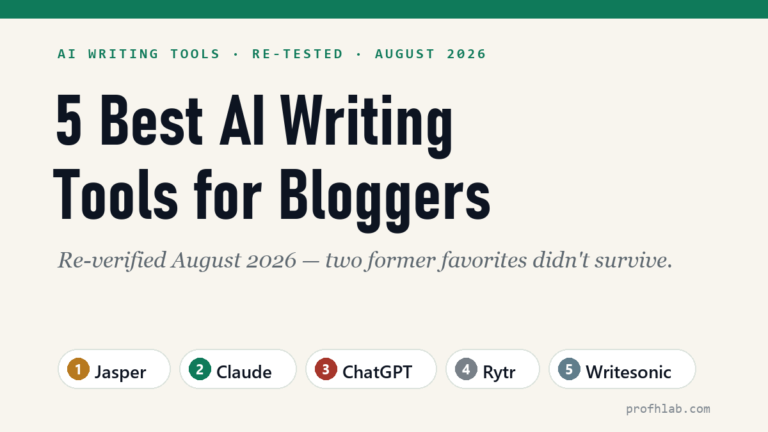
One thing this page is not: a tool comparison. If you are still choosing software, start with our ranked list of the best AI blog writing tools, then come back with whichever you picked. The sequence below works the same in Claude, ChatGPT, or any capable assistant.
Why trust this: I am a professor of AI and robotics and a former Samsung researcher. The numbers in this guide come from a run I actually timed and measured, not from imagination — and where something is an estimate rather than a measurement, I say so.
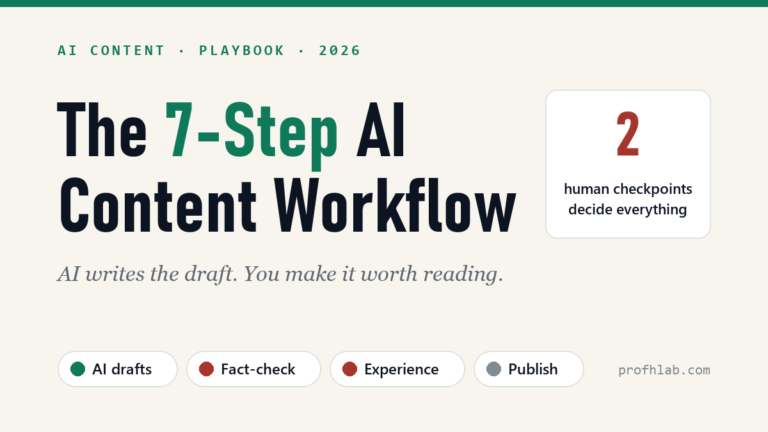
The whole method in one picture
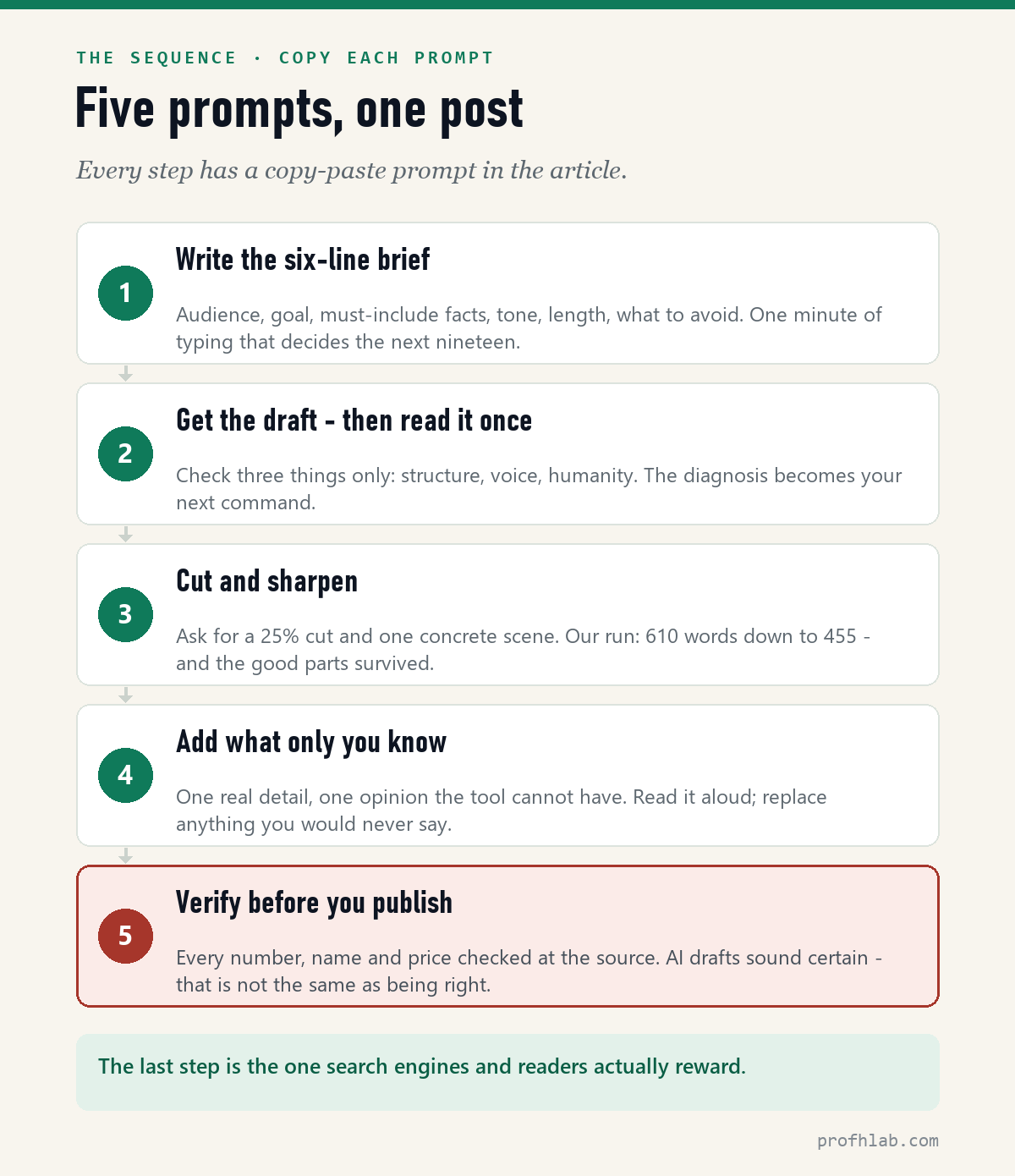
Writing a blog post with AI is not one prompt. It is five short ones, in a fixed order, and the order is the method: the brief decides what the draft can be, the cut decides what survives, and the last two steps are the reason anyone reads it.
Step 1 — Write the six-line brief (one minute)
The single biggest difference between a generic AI essay and a usable draft is not the tool. It is whether you handed the tool facts. A one-line prompt produces a one-line-deep post. This brief takes about a minute:
Write a blog post draft.
Audience: [who exactly - e.g., beginning bloggers who feel behind on AI]
Goal: after reading, they can [one specific thing].
Must include: [3-4 facts, numbers, or examples YOU supply]
Tone: plain and direct, a little warm. No hype.
Length: about 600 words.
Avoid: buzzwords, "in today’s digital landscape," advice that fits any topic.
The Must include line is the whole trick. The tool does not know your prices, your students, or what happened last Tuesday. Feed it three real facts and the draft has bones; feed it nothing and you get confident filler.
Step 2 — Read the first draft once, checking three things
Do not start editing sentences yet. Read it through once and diagnose, because the diagnosis becomes your next command:
- Structure — does it argue in the right order, or bury the point?
- Voice — does any sentence sound like a press release?
- Humanity — is there one moment a reader will remember, or is it all statements?
In our timed run the first draft came back complete and safe: 610 words, correct, and a little lifeless. That is normal. First drafts are raw material, not results.
Step 3 — The cut (this is where drafts become posts)
Two commands do most of the work. Copy them as they are:
Cut this to about 450 words. Keep every number, the example, and the order
of arguments. Remove everything a reader would not miss.
Add one concrete scene, two sentences long, using this real moment I am
giving you: [describe a real customer, student, or reader moment].
When we timed this on a real draft, one cut command took the post from 610 words to 455 — a 25 percent cut — and the four key facts, the customer scene, and the argument order all survived. Twenty minutes total from brief to refined draft.
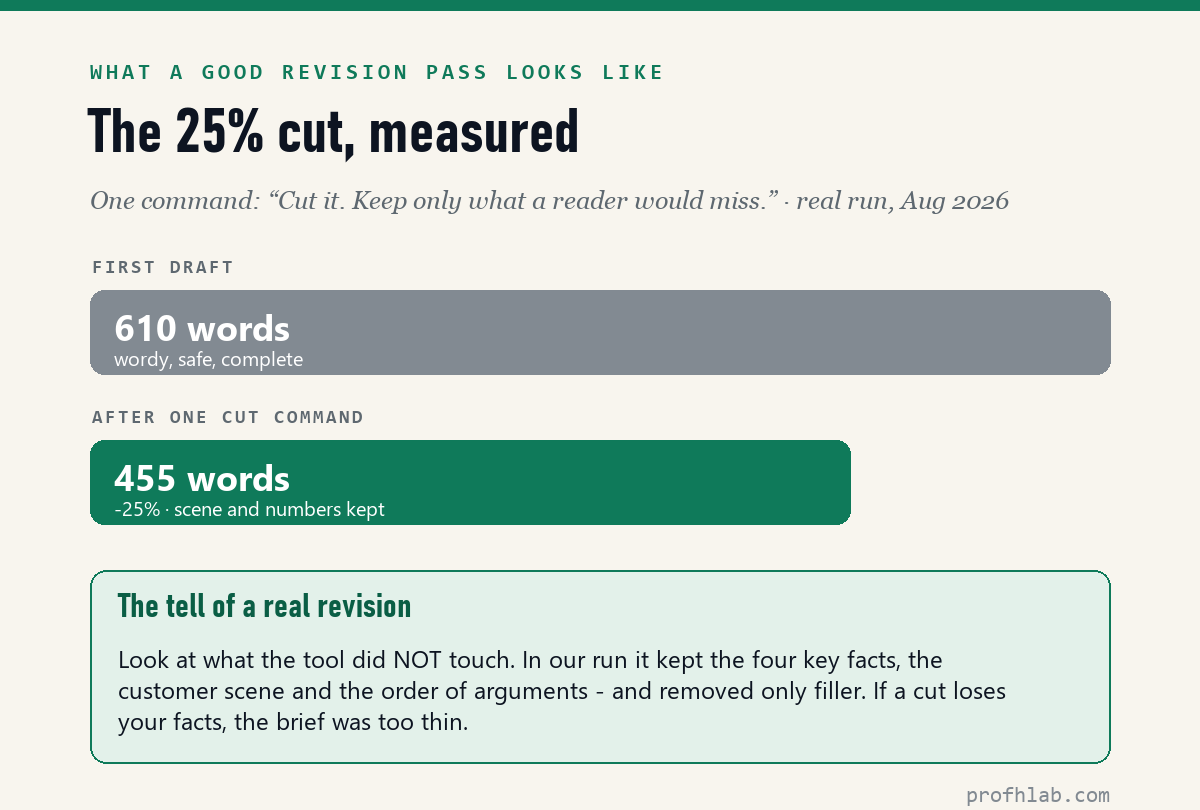
If a cut loses your facts, the problem is upstream: the brief was too thin, and the tool could not tell load-bearing sentences from filler.
Step 4 — How to use AI to write blog posts without sounding like AI
This is the pass most people skip, and it is why most AI posts read like the same post. One command:
Rewrite the opening two sentences so they could only have been written by
someone who [taught this class / used this product / stood in that kitchen].
Here is the detail to use: [one thing only you know].
Then three manual checks that no prompt replaces:
- Add one detail only you know. A price you paid, a mistake you made, what a student asked. This is the part AI cannot fake and readers cannot skim past.
- Read it aloud once. Delete anything you would never say to a person.
- Kill the stock phrases. “In today’s fast-paced world,” “game-changer,” “delve” — each one is a small sign saying nobody is home.
On disclosure: we label AI-assisted work on this site. In our experience readers do not punish you for using AI; they punish you for hiding it.
Step 5 — Verify before you publish
This matters double in the AI-tools niche, where prices change monthly — it is the reason we keep a price tracker page that is re-verified every month instead of trusting what any model remembers. Whatever your niche, your version of that habit is what separates a source from a summary.
Will Google rank an AI-written post?
Google’s published position is that it rewards helpful, people-first content however it is produced — quality is the test, not authorship. We cover the detection question in depth in our AI blog writing tools guide, but the short version: the real risk is not being detected. It is being identical. A post that contains only what the model already knew gives Google no reason to rank it; your facts from Step 1 and your scene from Step 4 are the reason.
Free tiers, the 20-minute draft and whether Google can tell
Can I write a blog post with AI for free?
Yes. Claude’s free tier and ChatGPT’s free tier both handle this entire sequence; the limits are message caps, not features. If you write daily, the paid tiers mostly buy you volume and longer memory — current prices are on our price tracker.
How long does it take to write a blog post with AI?
Our timed run took 20 minutes from six-line brief to refined 455-word draft. A fully publishable post — with fact-checking, a title, and images — typically lands around 45 to 60 minutes. The first number is a measurement; the second is an estimate from doing this repeatedly.
Can Google detect AI blog posts?
Google says quality is the test, not authorship — it rewards helpful content however it is produced. The practical danger is sameness: a post with no facts or experience of yours competes with every other output of the same model. Steps 1 and 4 exist to fix exactly that.
What is the best AI blog writer?
For most bloggers: Claude or ChatGPT, with Writesonic worth a look for SEO-heavy workflows. We keep a full ranked comparison — including two former favorites we dropped — in our guide to the best AI blog writing tools.
Should I tell readers I used AI?
We do, and we recommend it. A short note costs you nothing with readers who liked the post — and being caught hiding it costs you everything with the ones who did not.
The Jasper test behind this benchmark, and two tools we dropped
- The 5 Best AI Writing Tools for Bloggers — the ranked list this guide plugs into, including two tools we dropped.
- My Full AI Content Workflow — the zoomed-out system this five-prompt sequence lives inside.
- ChatGPT vs Claude vs Gemini for Writing — which assistant drafts best, tested on identical briefs.
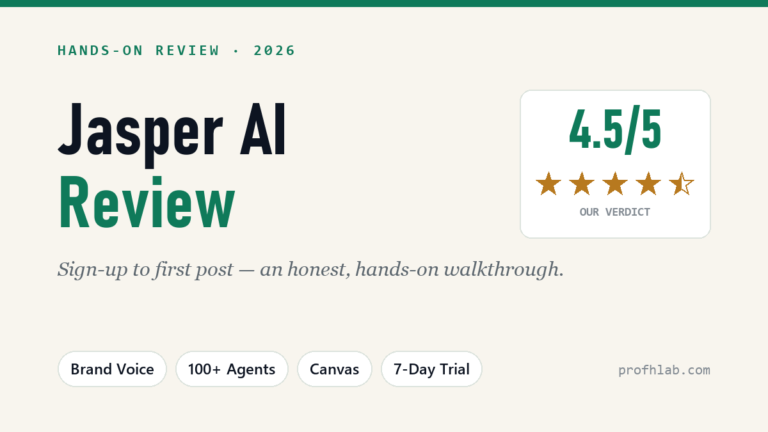
- Jasper AI Review — where the timed benchmark in this article came from.
About the author
Prof. H is a professor of AI and robotics, a former Samsung researcher, and the author of dozens of textbooks on AI and automation. He writes hands-on, no-hype guides to AI tools. More about the author →
Prof.’s H Newsletter
One short email a month, with the numbers in it
What actually moved in AI hiring, AI prices, and the scams aimed at older Americans. Counted here, dated, and linked to the source. One email a month, and your address goes nowhere else.