From a File on Your Desktop to a Live URL: Three Routes, Measured
PART 5 OF 11 · THE VIBE CODING COURSE
New here? Start at Part 1 →
A file on your desktop is a draft. It becomes a website when someone else can open it, which requires exactly one thing you do not have yet: a URL.
This is where more first projects die than at any other step. Not because deployment is hard — it is genuinely a few minutes now — but because the instructions people follow assume skills they have not built.
The short version
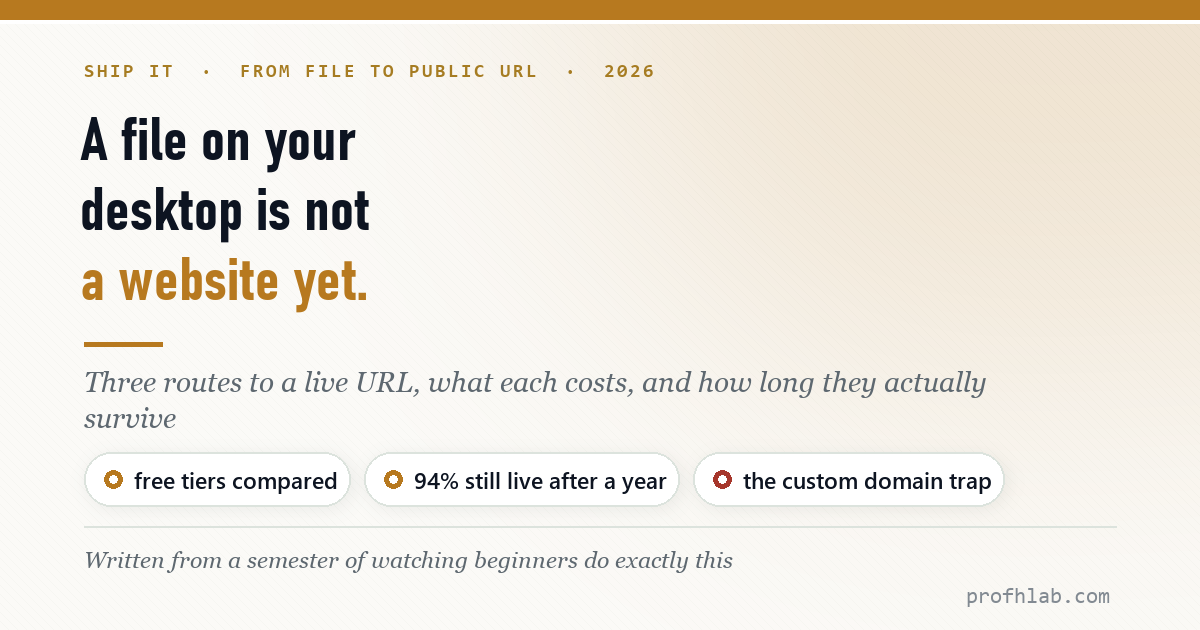
Three routes, all free to start. Drag-and-drop if you just want it online in a minute. Git-connected if you expect to change it more than twice. Your own hosting if you already pay for a domain. And one measured reassurance: I checked 53 sites deployed on free hosting a year ago — 50 are still responding.
Does free hosting actually last?
This worry stops people from bothering, so let me answer it with a number instead of an opinion.
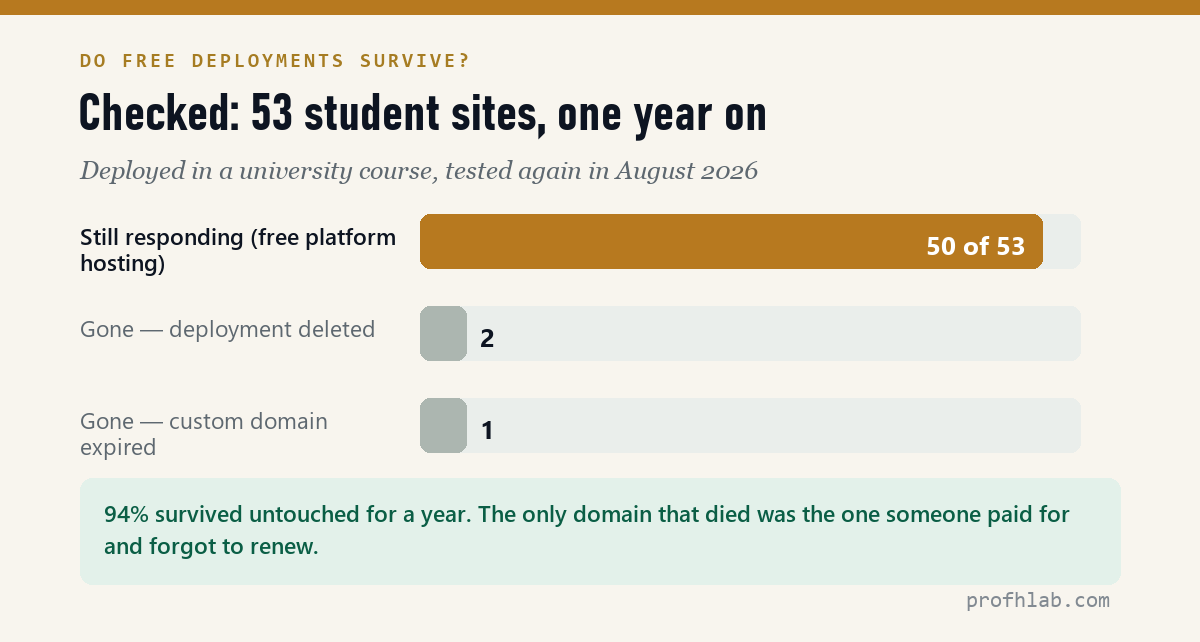
A group of students deployed 53 sites during a course. I tested every URL again in August 2026 — roughly a year later, with nobody maintaining anything.
- 50 of 53 still respond. That is 94%, with no upkeep and no payment.
- Two were gone because the owner deleted the deployment.
- One was gone because a paid custom domain expired — the only failure caused by money changing hands.
So: free platform hosting is not a trap for a portfolio or a project page. The fragile part is the custom domain, which is the opposite of what most people assume.
The three routes
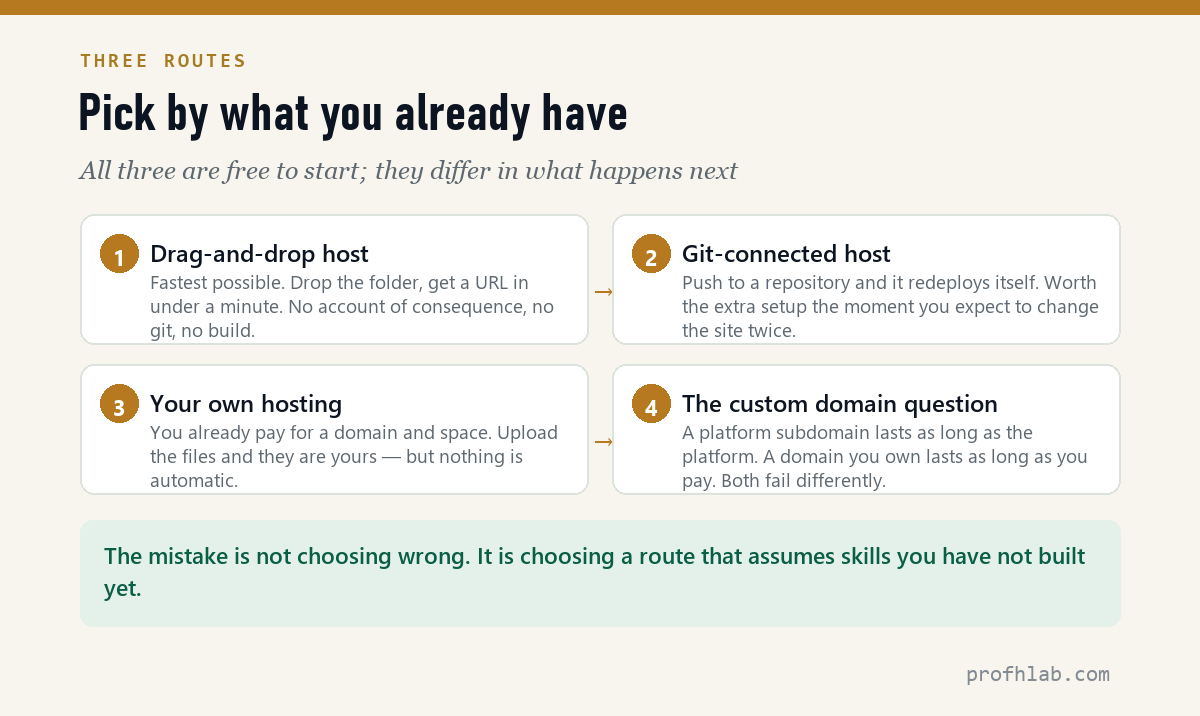
| Drag-and-drop | Git-connected | Your own hosting | |
|---|---|---|---|
| Time to first URL | Under a minute | 10–20 minutes the first time | 5–10 minutes |
| To publish a change | Drag the folder again | Push — it redeploys itself | Upload the changed file |
| Assumes you know | Nothing | Basic git | Your host’s file manager |
| Cost | Free tier | Free tier | Whatever you already pay |
| Best when | You want it online today | You will edit it repeatedly | You own a domain already |
Start with drag-and-drop. Getting a live URL in your first session matters more than picking the route you will use in a year. You can move later; the files are the same files.
The git-connected route on camera, from Coding Shuttle (110K subscribers) — repository to public address. 726,030 views as of 11 August 2026.
Things that will bite you, in order
- Your file must be named
index.html. Notportfolio.html, notIndex.htmlon a case-sensitive host. This trips up more people than everything else combined. - Upload the folder, not just the page. If your site references images, they have to travel with it, in the same relative folders.
- Uploading a folder can report errors that are not errors. I hit a wall of red
409 Conflictmessages doing exactly this last week — the folder already existed, so each nested directory raised a conflict while the files transferred perfectly. I verified all 22 files byte-for-byte afterwards; nothing was wrong. Check the result before you re-upload. - Your host may quietly change your images. On the same upload, image files came back smaller than the originals. Resolution was identical and every file decoded cleanly — the server had re-compressed them. Harmless, but alarming if you are comparing file sizes and do not know it happens.
- Some hosts refuse
.htmluploads through the wrong door. A content-management system’s media library will often reject it while the file manager accepts it. Use the file manager.
The one that will actually cost you
If a folder upload throws errors, do not immediately re-upload. Open the URL and look. Half the time the transfer succeeded and the errors were about creating directories that already existed. Re-uploading on top of a partial transfer is how you end up with duplicated files and a site that half-works.
Custom domain: yes, or not yet?
A platform subdomain is free, immediate, and lasts as long as the platform does. A domain you own costs roughly ten to fifteen dollars a year, looks better on a CV, and dies the moment you forget to renew it — which is exactly what happened to the one dead site in that survey of 53.
For a first project: ship on the platform subdomain. Buy the domain when the thing is good enough that you want it on a business card. Set the renewal to automatic on the day you buy it, and never think about it again.
The drag-and-drop route, timed, from The Adiga (3.37K subscribers). 511,111 views as of 11 August 2026.
Will a free host show ads, and can you use your own domain?
Will my free site have ads on it?
Not on the mainstream developer platforms. Their free tiers exist to get you onto paid plans later, not to sell ads against your page.
Can I use my own domain on a free tier?
Usually yes — the hosting stays free and you pay only for the registration. Setting the DNS records is the fiddly part, and it is a twenty-minute job once.
What if I need a database, or a contact form that actually sends?
That is where a static file stops being enough. It is a real step up in complexity and it is the subject of a later article in this series.
How do I take it down?
Delete the deployment from the platform dashboard. Worth knowing before you publish something with your phone number on it.
How do I publish an HTML file on GitHub?
Put the file in a repository, name it index.html, and switch on the pages feature in the repository settings — it serves whatever sits on the branch you point it at. That is the git-connected route in the table above: more setup than drag-and-drop, and worth it the first time you change the site twice in one day. Watch the file name. index.html.txt is the single most common reason a fresh deployment shows a file listing instead of a page.
Next
Your page is live. Which means the question is no longer “does it exist” but “is it any good, and how would I know?” That is the next article, and it is the one I would keep if I could only keep one.
THE AGENTIC AI SERIES
Eleven articles, in order
- 1. Generative AI vs Agentic AI — One writes the answer, the other does the job.
- 2. What Is Vibe Coding, Really? — The shift from worker to conductor.
- 3. The IAFA Prompt Framework — Four boxes between a grey button and a great one.
- 4. Your First Page in Ten Minutes — No install, no account, one file.
- 5. From a File to a Live URL — Three routes, and which ones survive a year. (you are here)
- 6. An Honest Agent Benchmark — 76 seconds to a draft, then two failures.
- 7. Verify Before You Ship — Four passes, with three failures I actually hit.
- 8. The 100-Point Scorecard — Grade your own site before anyone else does.
- 9. Adding a Database — A file cannot remember anything.
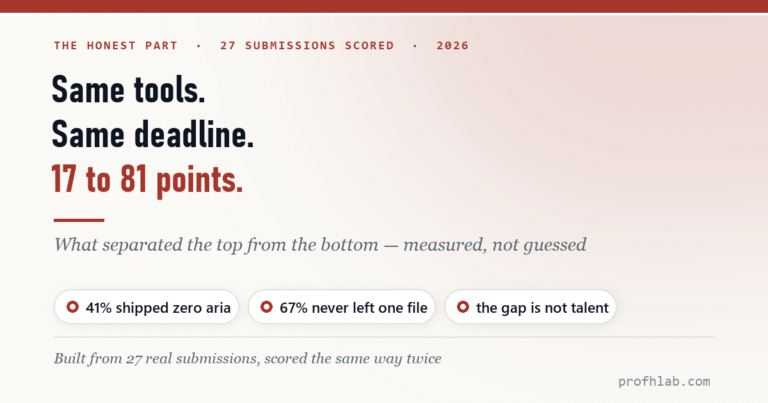
- 10. When Vibe Coding Fails — Same tools, same deadline, 17 to 81 points.
- 11. Teaching Vibe Coding — A 15-week course, and what I would change.
Start at the Agentic AI library.
Prof.’s H Newsletter
One short email a month, with the numbers in it
What actually moved in AI hiring, AI prices, and the scams aimed at older Americans. Counted here, dated, and linked to the source. One email a month, and your address goes nowhere else.