A File Cannot Remember Anything: Adding a Database Without Regretting It
PART 9 OF 11 · THE VIBE CODING COURSE
New here? Start at Part 1 →
Your page works. Someone types their name into your contact form, presses send, and… nothing happens, or it opens their email client, or it silently does nothing at all.
That is not a bug. A file cannot remember anything. Crossing from a page that displays to a page that stores is the biggest single step in this whole series, and it is where the most people stop.
The short version
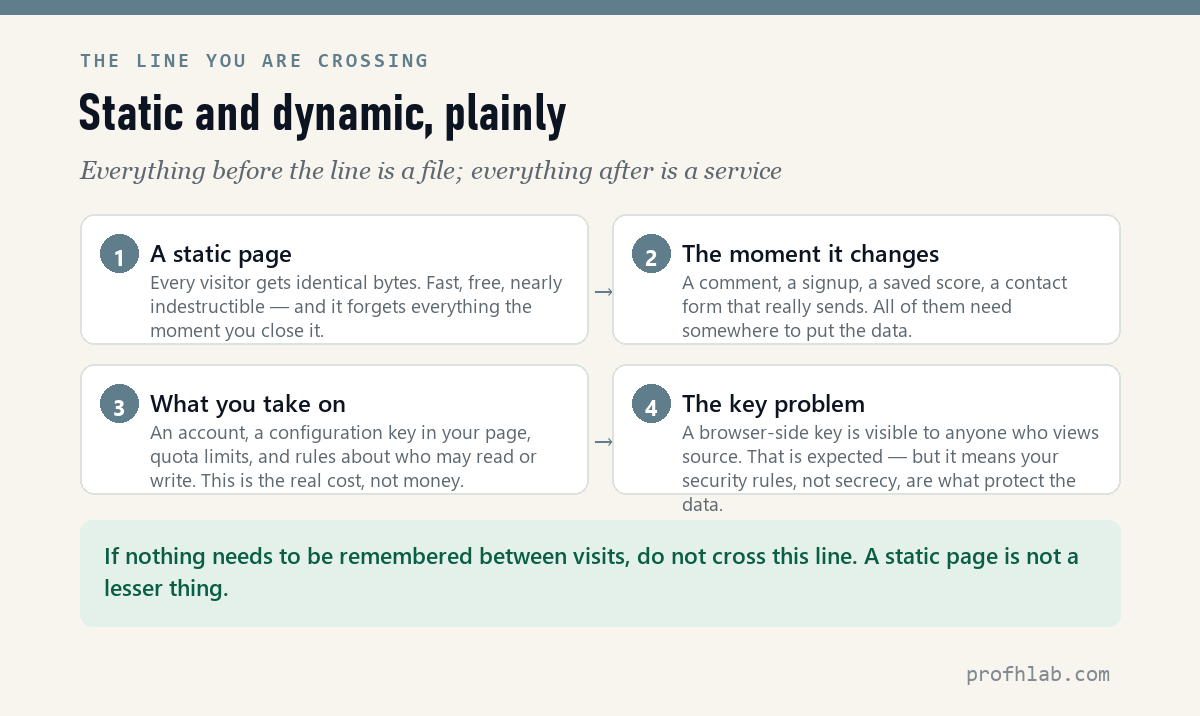
A static page hands every visitor identical bytes — fast, free, nearly indestructible, and completely forgetful. The moment you want a comment, a signup, or a form that really sends, you need a service behind it. The cost is not money (the free tiers are generous). It is an account, a key visible in your page, quota limits, and rules about who may read and write.
Who actually crossed the line
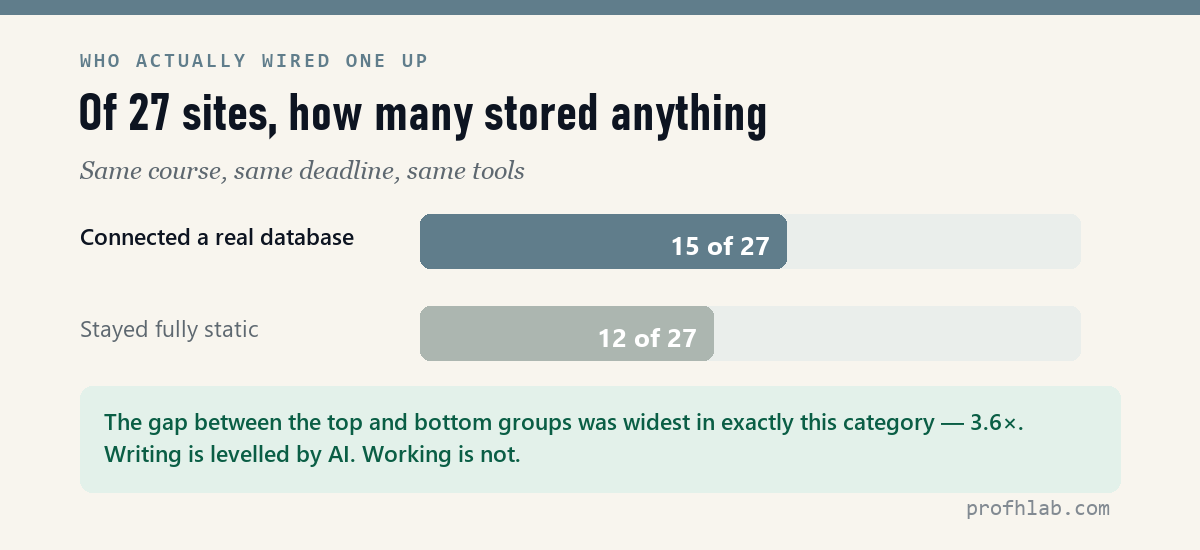
Of the 27 sites I scored, 15 connected a real database and 12 stayed fully static. That split is close to even — but it is not evenly distributed across the grade range.
The gap between the top seven and the bottom seven was widest in technical functionality: 3.6×. In content it was only 1.7×. Put plainly: the model writes everyone’s words to a similar standard. It does not make everyone’s features work. Storing data is where people actually diverge.
The line you are crossing
| Static page | With a database | |
|---|---|---|
| What visitors get | Identical bytes, every time | Whatever is in the store right now |
| Hosting | Free, effectively forever | Free tier, with quotas |
| Can break because | Almost nothing | Quota, config, rules, outage |
| You must manage | Files | An account, keys and access rules |
| Right choice when | Nothing needs remembering | Something does |
A static page is not a lesser thing. If your site is a portfolio, a CV, a landing page or a piece of writing, it should stay static and you should feel no shame about it. Cross the line only when there is something to remember.
Firebase’s own introduction, from the official channel (418K subscribers). 941,131 views as of 11 August 2026.
What to ask the agent for
The mistake is asking for “a database.” Ask for the feature, and be specific about the rules — because the rules are the part it will otherwise guess.
Add a comment board to this page.

Store: name, message, timestamp.
Anyone may read. Anyone may post.
Only the original poster may delete their own comment,
  using a password they set when posting.
If the backend is unavailable, fall back to local storage
  and tell the visitor that is what happened.

Use a free-tier hosted database. Put the configuration in one
clearly marked block at the top so I can swap in my own keys.
The last line matters more than it looks. Without it you get credentials scattered through the file and no idea which ones are yours to change.
Three things nobody warns beginners about
- Your key will be visible. A browser-side database key is in the page source, and anyone can read it. This is normal and expected — but it means your security rules, not secrecy, are what protect the data. Ship with rules that assume a stranger has your key, because they do.
- “Anyone may write” means anyone will. An open comment board on a public URL will get spam. Not maybe — eventually. Decide now whether you want moderation, a rate limit, or simply to take it down when it happens.
- The password field is not a login. A per-post delete password stored as plain text is fine for a class project and unacceptable for anything real. Know which one you are building. And check what the browser does with that field — a text input followed by a password input is a shape browsers try to autofill with the visitor’s saved credentials.
That third one is not hypothetical
I hit it last month on a real project. Name field, then a delete-password field, entirely reasonable code — and Chrome decided it was a login form and offered the visitor their own saved email and password. The fix was two attributes. Nothing was wrong with the code; something was wrong with what the browser did to it.
Before you add one, ask this
- Does anything need to survive a page refresh? If no, stop here. You do not need this.
- Would an email be enough? A contact form that emails you needs no database and no account.
- Who is allowed to read what gets stored? Answer before you write a line, not after.
- What happens when the free quota runs out? Know whether your site degrades or dies.
Fireship (4.24M subscribers) in a hundred seconds, if that is all the time you have. 956,439 views as of 11 August 2026.
Free-tier quotas, access rules and adding storage later
Which database should I use?
For a first dynamic feature, any of the mainstream hosted options with a free tier will do, and the agent will pick one if you do not. What matters far more is that you write the access rules yourself rather than accepting the defaults.
Is the free tier really free?
Free until a quota — reads, writes, storage. For a portfolio comment board you will not come close. For anything with traffic, read the limits before you launch, not after.
Can I add this later?
Yes, and you should. Ship the static version, get it online, then add storage when you actually have something to store.
What if it breaks?
Ask for the fallback in the brief — local storage plus an honest message, as in the prompt above. A dynamic feature that fails loudly is far better than one that swallows a visitor’s message in silence.
How do I add a database to a plain HTML website?
You do not add it to the file. You add a service the file talks to. The page stays static — the same HTML for every visitor — and a few lines of JavaScript read and write to a hosted database over the network. That is why “add a database to my HTML site” has no file-level answer: nothing in the HTML changes except a script tag and a configuration block. Ask for it in exactly those words, and give the permission rules at the same time.
Next
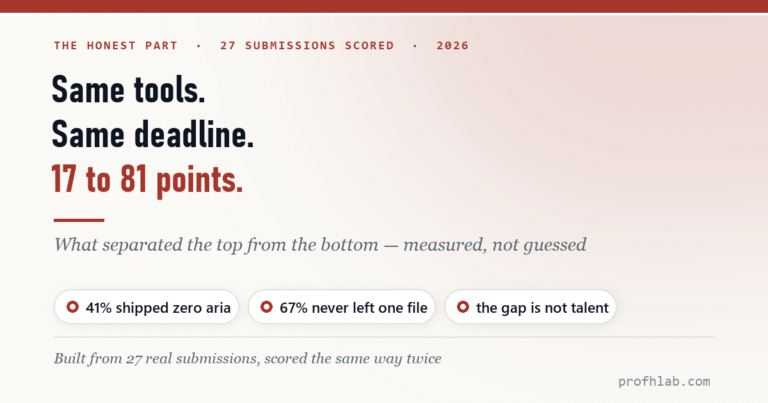
That is the last of the how-to. The final article in this series is the uncomfortable one: what separated the 81-point site from the 17-point site, when both had the same tools, the same deadline and the same amount of help.
THE AGENTIC AI SERIES
Eleven articles, in order
- 1. Generative AI vs Agentic AI — One writes the answer, the other does the job.
- 2. What Is Vibe Coding, Really? — The shift from worker to conductor.
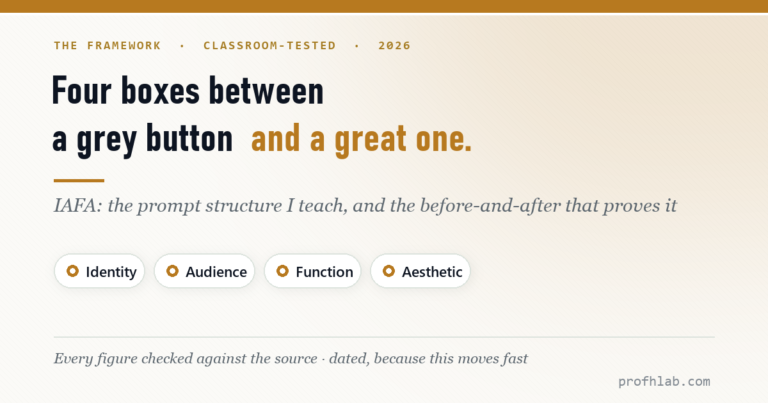
- 3. The IAFA Prompt Framework — Four boxes between a grey button and a great one.
- 4. Your First Page in Ten Minutes — No install, no account, one file.
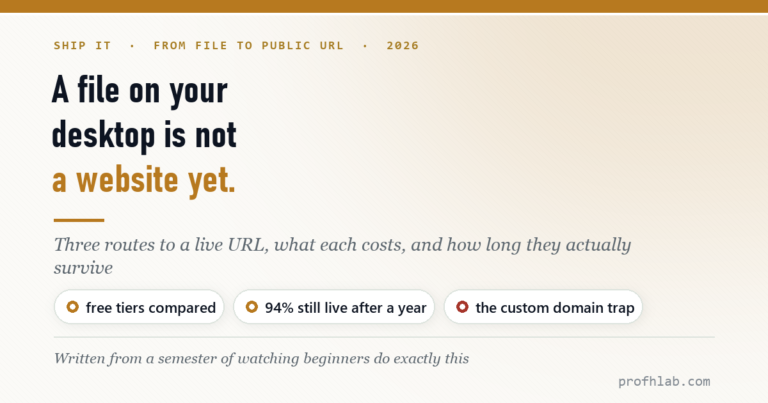
- 5. From a File to a Live URL — Three routes, and which ones survive a year.
- 6. An Honest Agent Benchmark — 76 seconds to a draft, then two failures.
- 7. Verify Before You Ship — Four passes, with three failures I actually hit.
- 8. The 100-Point Scorecard — Grade your own site before anyone else does.
- 9. Adding a Database — A file cannot remember anything. (you are here)
- 10. When Vibe Coding Fails — Same tools, same deadline, 17 to 81 points.
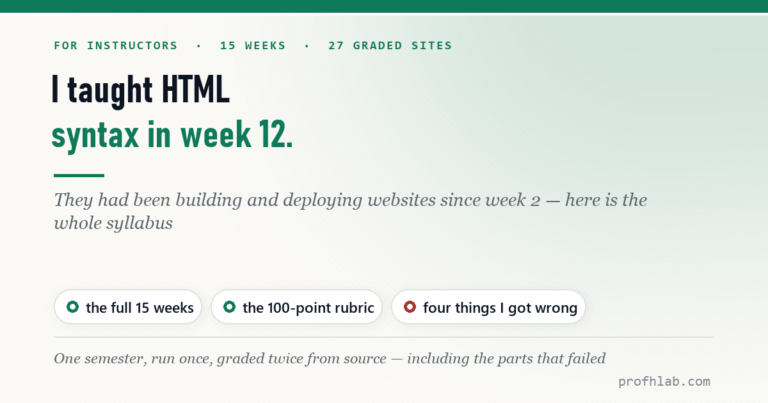
- 11. Teaching Vibe Coding — A 15-week course, and what I would change.
Start at the Agentic AI library.
Prof.’s H Newsletter
One short email a month, with the numbers in it
What actually moved in AI hiring, AI prices, and the scams aimed at older Americans. Counted here, dated, and linked to the source. One email a month, and your address goes nowhere else.