How to Use ChatGPT to Decorate a Room: 5 Free Steps, Plus the Safety Check No Guide Mentions
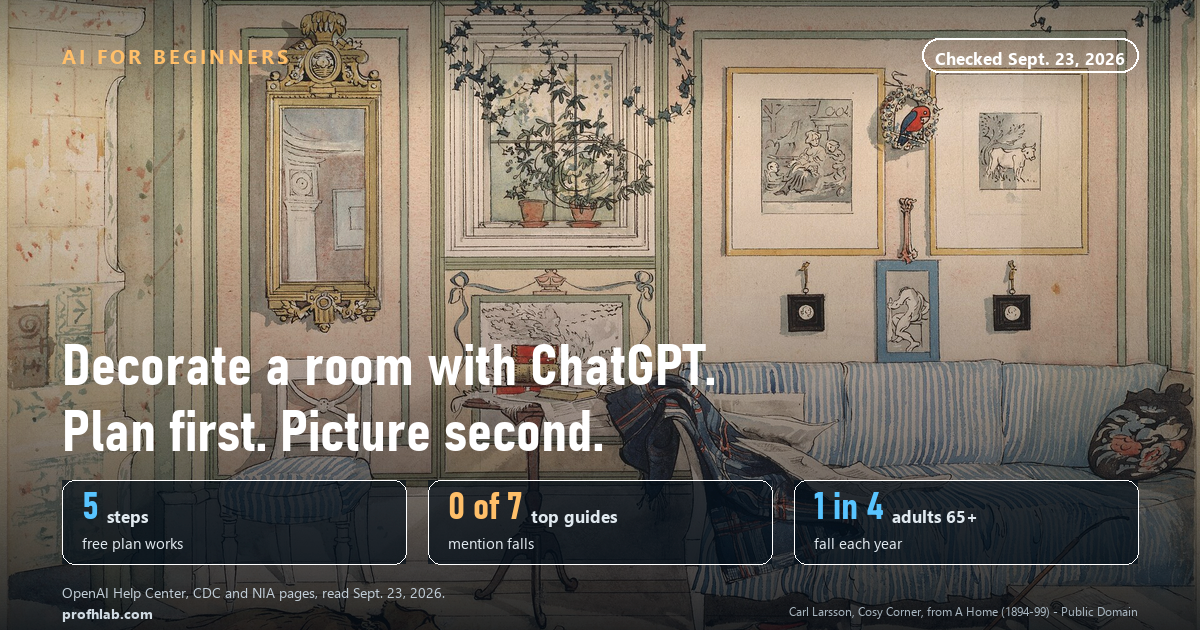
To use ChatGPT to decorate a room, measure the room, take one wide photo, choose a privacy setting, ask for a written plan with your measurements and budget, and only then ask for a picture. All 5 steps work on ChatGPT’s free plan. One more step is worth adding. On September 23, 2026 we read the 7 top search results for this question: 0 of 7 mention falls, even though the CDC says 1 in 4 adults 65 and older report a fall every year. A new layout is the cheapest moment to fix that.
What we checked on September 23, 2026
We read three OpenAI Help Center pages (“ChatGPT Free Tier FAQ,” “Images in ChatGPT” and “Data controls in ChatGPT”), the CDC’s older adult falls data page, the National Institute on Aging’s room-by-room fall prevention guide, and the seven search results for “how to use chatgpt to decorate a room” that loaded with a full article.
- Free: OpenAI lists “Upload images or files” and “Create images in ChatGPT” as free-plan features.
- No fixed number: OpenAI says free image and upload tools have “separate usage limits” and does not publish them.
- 14 million+: adults 65 and older who report a fall each year, per the CDC (page dated Sept. 4, 2026).
- 0 of 7 top guides explain how to keep your room photo out of AI training. 0 of 7 mention the Select tool that edits one spot.
Can ChatGPT design a room from a picture?
Yes. You can upload a photo of your room and ask for ideas in words, or ask ChatGPT to make a new picture of the same room redecorated. OpenAI’s help page says you can “upload an existing image and describe the changes you want ChatGPT to make.”
You do not need to pay. OpenAI’s free-plan page lists both uploading images and creating images. What it does not list is a number. It says only that these tools “have separate usage limits” and that ChatGPT “will notify you when you reach an applicable limit.” If you hit it, you wait and try later.
Here is the part to know before you start. The picture is a suggestion, not a photo of your future room. OpenAI’s own help page warns that when you edit part of an image, “edits may extend beyond the area you selected.” Four of the seven top guides we read said the same thing from experience: ask for new curtains and you may get a new window too.
Think of ChatGPT as a friend with good taste who has never seen your house in person. It can describe a great room. It cannot measure yours. That is why the order below matters.
Step 1: Measure the room first
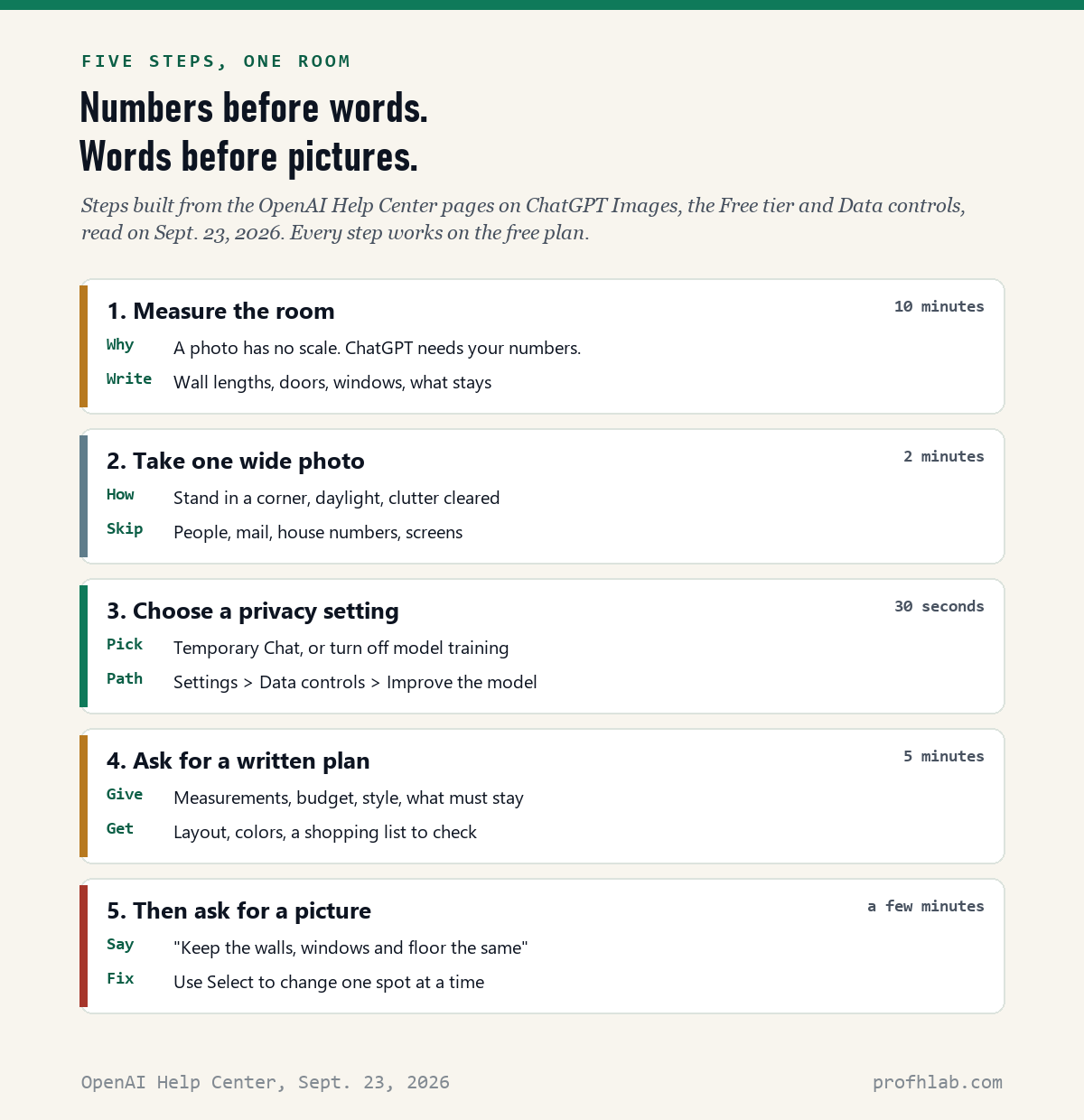
A photo has no scale. A seven-foot sofa and a five-foot loveseat can look the same size in a picture. So give ChatGPT numbers.
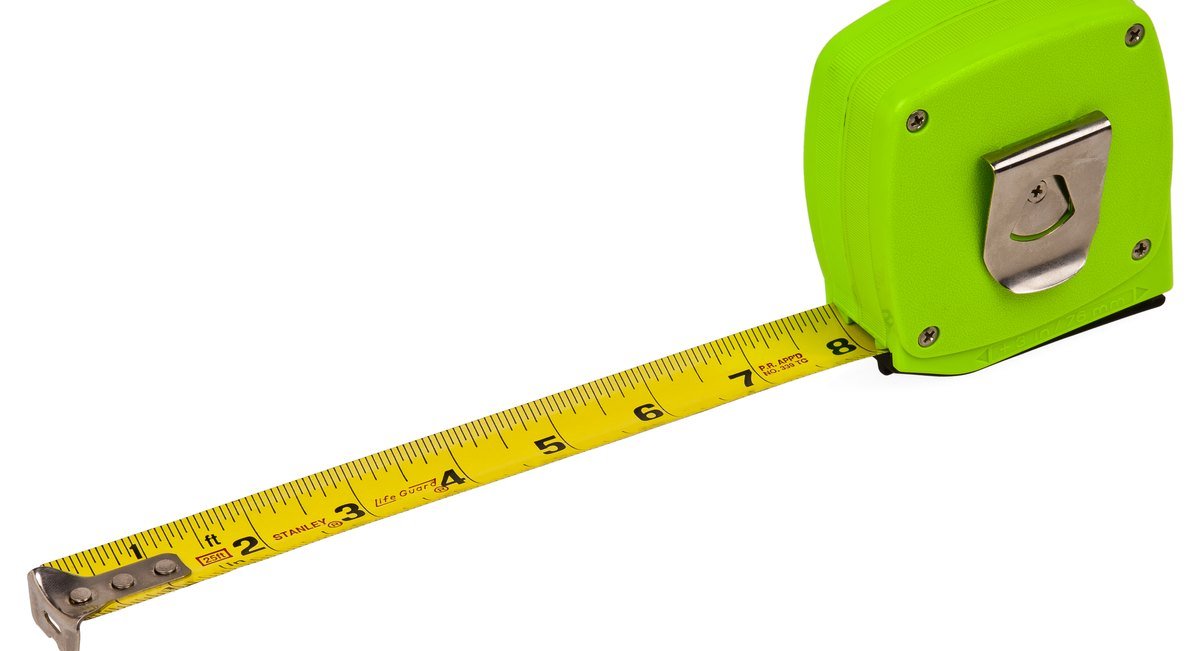
Write down:
- The length of each wall, in feet and inches.
- Where the doors and windows are, and how wide they are.
- The size of each piece of furniture you are keeping.
- Anything that cannot move: a radiator, a vent, an outlet, the TV cable.
Step 2: Take one wide photo
Stand in a corner of the room, hold the phone at chest height, and take the photo in daylight. Clear the clutter off the floor and tables first.
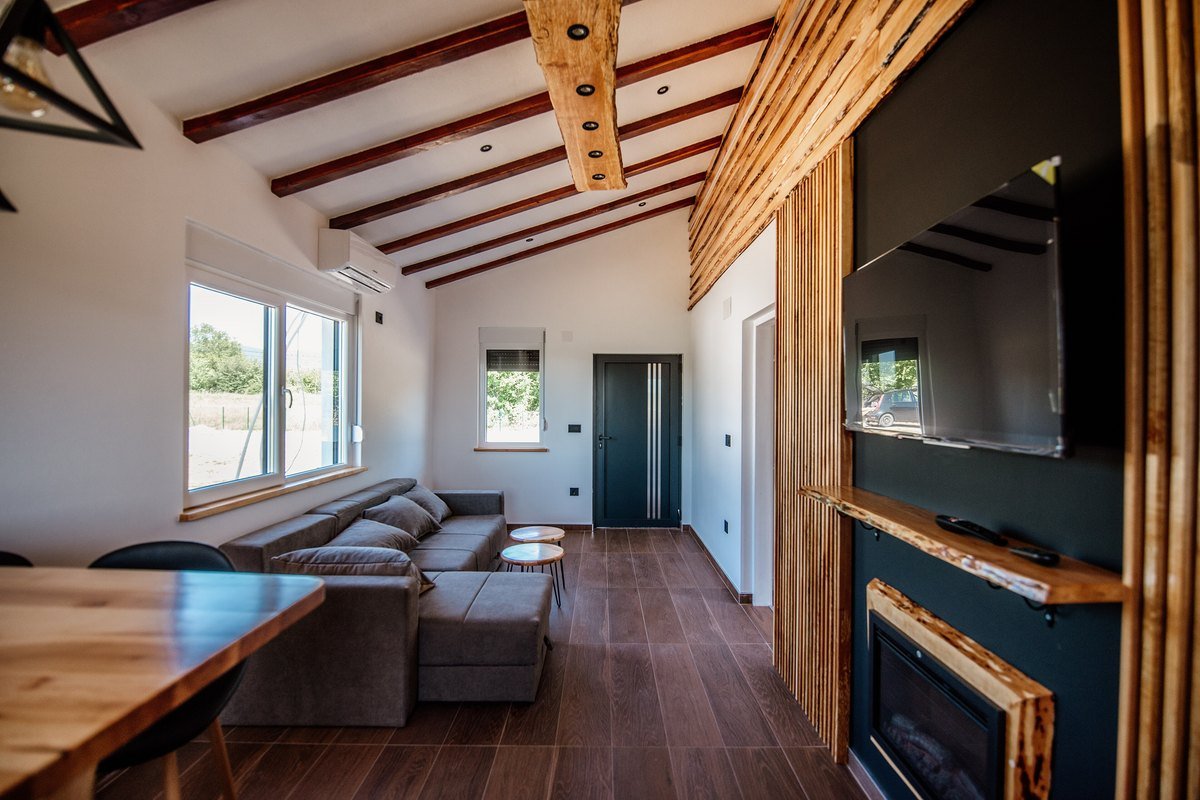
Now look at the photo the way a stranger would. Crop out or move anything personal: family photos, mail with your address, a window that shows your house number, a screen with your email on it. None of that helps ChatGPT choose a lamp.
Step 3: Choose a privacy setting before you upload
This step takes about 30 seconds, and none of the seven top guides mentioned it.
By default, what you share with ChatGPT can be used to train OpenAI’s models. OpenAI gives you two ways to say no:
- Turn off training for everything. On a computer: open your account menu, select Settings, then Data controls, then turn off Improve the model for everyone. On a phone: open the sidebar, tap your profile icon, then Data controls. OpenAI says new chats then “won’t be used to train OpenAI models.”
- Or use a Temporary Chat for this one project. OpenAI says temporary chats do not appear in your history, are not used to improve its models, and “may be retained for up to 30 days for safety purposes.”
One catch from the same page: if you tap thumbs up or thumbs down on an answer, “the entire conversation associated with that feedback may be used to train OpenAI models.” If privacy matters to you, skip the thumbs.
Step 4: Ask for a written plan before a picture
A written plan is where ChatGPT is most useful, and it does not use up your image limit. Upload your photo and paste something like this, with your own numbers:
This is my living room. It is 14 ft by 12 ft. The window wall is 12 ft
and the door is on the left wall, 3 ft wide. I am keeping the sofa
(84 in wide) and the bookcase. My budget is $600. I like warm colors
and a cozy, uncluttered look. I am 70 and want clear walking paths.

Please give me: 1) where each piece of furniture should go, with the
space left between them, 2) three paint or accent color ideas,
3) a shopping list with price ranges, and 4) anything in the photo
that could be a tripping hazard.
Then ask follow-up questions, one at a time. “What if I keep the rug?” “Can you do it for $300?” “Which two changes make the biggest difference?”
Check anything you plan to buy. ChatGPT’s prices are estimates, and a store link it suggests may be out of date. If you use the free plan, OpenAI also says “ads may appear in the Free tier in certain countries”; an ad is not a recommendation. Our guide to ChatGPT ads explains what they look like.
Step 5: Then ask for a picture, and fix one spot at a time
Now ask ChatGPT to show you. The sentence that helps most: “Keep the walls, windows, doors and floor exactly the same. Only change the furniture and decor.”
If one thing comes out wrong, do not start over. OpenAI’s help page describes a Select tool: tap the picture ChatGPT made, choose Select, brush over the spot you want changed, and describe the change. On a phone, you use a slider to size the brush, then tap Next. OpenAI adds that “highlights are not always precise,” so check the whole picture after each change.
Pictures are saved automatically under Images in the ChatGPT sidebar, so you can compare versions later. To delete one, you delete the chat it was made in.
How to use ChatGPT to design a room layout
For furniture placement, words beat pictures. Ask ChatGPT to describe the layout “wall by wall, with the distance between each piece in inches.” Then check its numbers with your tape measure before you move anything heavy.
A simple test: if ChatGPT says the coffee table goes 18 inches from the sofa, put a strip of painter’s tape on the floor where it would sit and walk around it for a day. It costs nothing and catches the mistakes a picture hides.
The check no guide mentions: make the room safer while you’re at it
The CDC says more than 14 million adults 65 and older, 1 in 4, report falling every year, and that falls are the leading cause of injury at that age. The same page says the fall death rate for older adults rose 21% from 2018 to 2024.
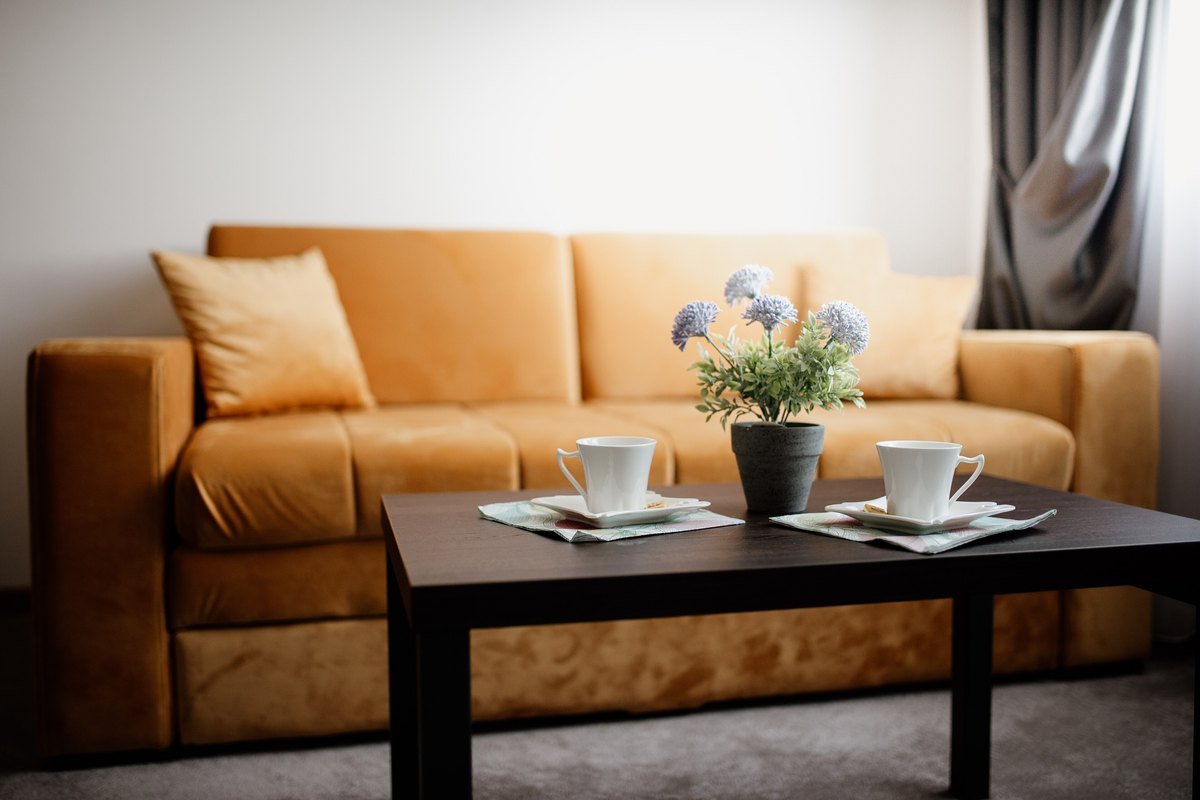
Redecorating is the easiest time to fix this, because you are already moving things. The National Institute on Aging’s room-by-room guide says:
- Arrange furniture, “especially low coffee tables,” so they are not in your way when you walk.
- “Don’t use throw rugs or small area rugs.” Fix carpets firmly to the floor.
- Keep electrical cords near walls and away from walking paths.
- Put night lights and light switches close to your bed.
- Make sure sofas and chairs are the right height to get in and out of easily.
- Mount grab bars near toilets and on both the inside and outside of your tub and shower.
You can ask ChatGPT to use this list. Add one line to your request: “Check my photo against the National Institute on Aging’s fall-prevention tips and point out anything I should move.” It is a second pair of eyes, not an inspection. If you have already had a fall, the NIA says a doctor may suggest an occupational therapist, physical therapist or nurse visit your home to check it properly.
Help paying for grab bars and railings
The NIA says many state and local governments run home modification programs for older adults. To find one near you, call the Eldercare Locator at 800-677-1116 and ask for your local Area Agency on Aging. It is a free government service. Nobody legitimate will ask you for a bank or Medicare number on a first call.
What our reading of the top results found
We read every search result that loaded a full article for “how to use chatgpt to decorate a room” on September 23, 2026. Seven did: two home-decor blogs, a shopping news page, a tech news site and three pages run by companies that sell AI room-design apps.
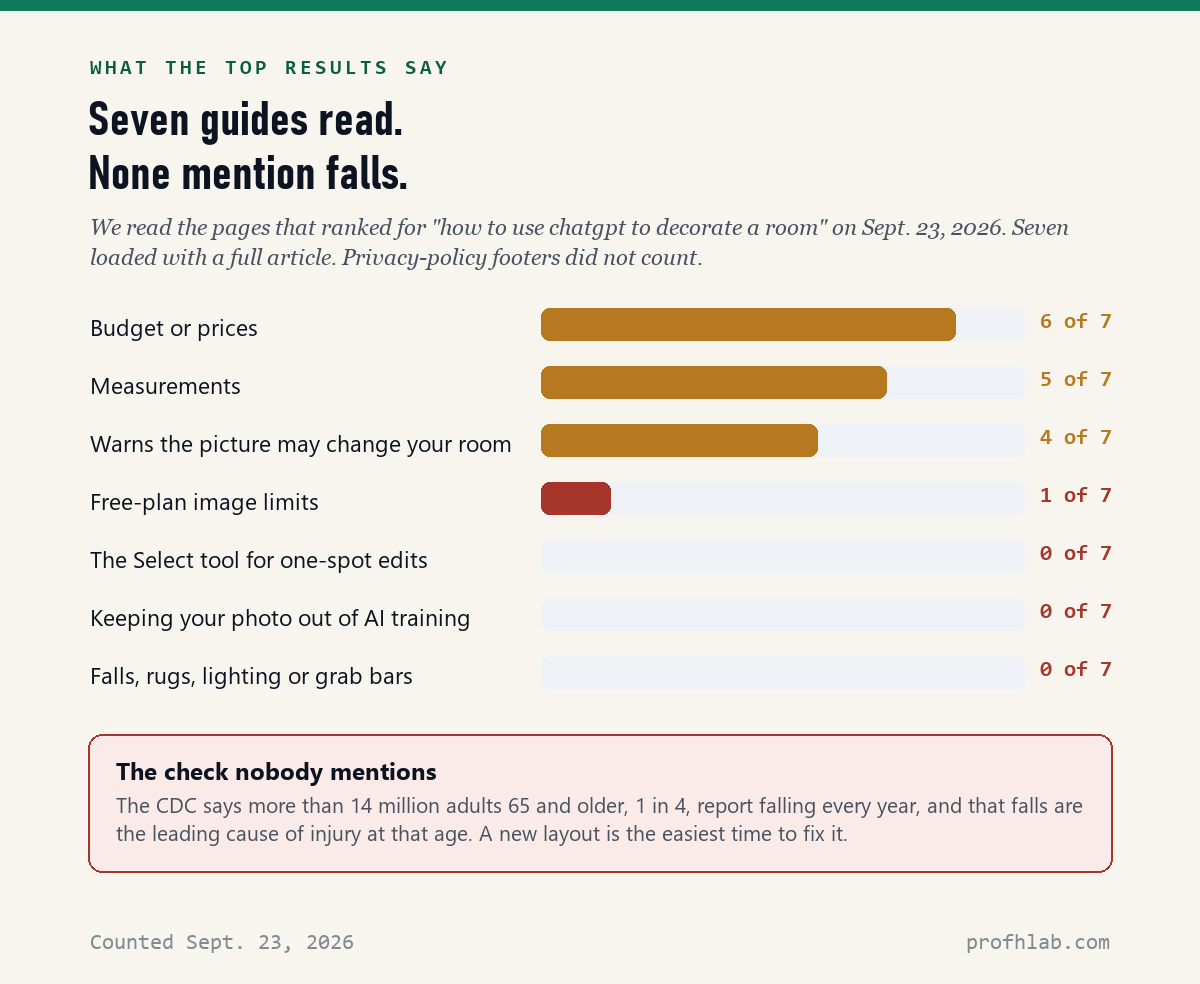
The one guide that gave a free-plan limit quoted a specific daily number. OpenAI’s own page does not publish one and says the limits “can change over time,” so we do not repeat it here.
Two videos worth your time
One shows ChatGPT redesigning a real house from photos. The other is a two-minute fall-prevention checklist from the National Council on Aging.
What to do with this
A one-afternoon checklist.
- Measure each wall, door, window and the furniture you are keeping. Write it down.
- Photograph the room from a corner, in daylight, with personal items out of the frame.
- Privacy: Settings > Data controls > turn off Improve the model for everyone, or start a Temporary Chat.
- Ask for a written plan first: size, budget, style, what stays, and “point out tripping hazards.”
- Then a picture, with “keep the walls, windows and floor the same.” Fix one spot at a time with Select.
- Test the layout with painter’s tape on the floor before moving heavy furniture.
- Remove small throw rugs, move cords to the walls, and add night lights near the bed.
- Call 800-677-1116 (Eldercare Locator) if you need help paying for grab bars or railings.
If you want to go deeper
- I have never used ChatGPT. Where do I start? Our beginner’s guide for over 50 covers signing up and your first question. If typing is hard, you can talk to ChatGPT instead.
- Do I need ChatGPT Plus for this? No. Plus mostly raises the limits. See is ChatGPT Plus still worth it and our AI price tracker before you pay.
- What happens to the photo afterward? Read are deleted ChatGPT chats really deleted?
- What else can I do with photos? Try restoring old family photos with AI or making AI photos with the grandkids.
Frequently asked questions
How do I use ChatGPT to decorate a room?
Measure the room, take one wide photo in daylight, choose a privacy setting, then upload the photo and ask for a written plan that includes your measurements, budget and what must stay. Ask for a picture last, and tell ChatGPT to keep the walls, windows and floor the same.
Can ChatGPT design a room from a picture?
Yes. OpenAI says you can upload an existing image and describe the changes you want. The result is a suggestion: OpenAI warns that edits may extend beyond the area you selected, so the walls or windows can change too.
Can I use ChatGPT to design a room for free?
Yes. OpenAI lists uploading images and creating images as free-plan features. These tools have their own usage limits, which OpenAI does not publish as a fixed number. ChatGPT tells you when you reach one, and you can try again later.
Why does ChatGPT change my room when I ask for new furniture?
ChatGPT makes a new picture rather than editing your photo like a photo app. Tell it to keep the walls, windows, doors and floor exactly the same, and use the Select tool to change one area at a time. Check the whole picture after each edit.
How do I use ChatGPT to arrange furniture in a room?
Give it the size of the room and each piece of furniture, and ask for the layout wall by wall with the distance between pieces in inches. Mark the layout with painter’s tape on the floor before you move anything heavy.
Is it safe to upload a photo of my house to ChatGPT?
Keep personal items out of the photo, such as mail, family pictures and house numbers. Then turn off Improve the model for everyone under Settings and Data controls, or use a Temporary Chat, so the photo is not used to train OpenAI’s models.
Can ChatGPT help make my home safer for an older adult?
It can be a second pair of eyes. Ask it to check your photo against the National Institute on Aging’s fall-prevention tips, such as removing throw rugs and moving low coffee tables out of walking paths. It is not a home safety inspection; an occupational therapist can do a proper one.
Sources
- OpenAI Help Center, “ChatGPT Free Tier FAQ” — read September 23, 2026.
- OpenAI Help Center, “Images in ChatGPT” (Create and edit images; Use the editor; Manage your images) — read September 23, 2026.
- OpenAI Help Center, “Data controls in ChatGPT” (Improve the model for everyone; Temporary chat; feedback) — read September 23, 2026.
- Centers for Disease Control and Prevention, “Older Adult Falls Data,” page dated September 4, 2026.
- National Institute on Aging, “Preventing Falls at Home: Room by Room,” content reviewed September 12, 2022; Eldercare Locator 800-677-1116.
- Counts of the seven top search results: made by us from each page’s own text on September 23, 2026.
Keep reading
- Plan a Trip With ChatGPT — the same “give it your numbers” method, for travel.
- How to Get ChatGPT to Read a PDF — uploading files, step by step.
- How to Tell if a Picture Is AI-Generated — handy when a “real” room photo in an ad looks too perfect.
- Best AI Tools for Seniors — the AI worth keeping around the house.
- AI Scams Targeting Seniors — what a fake “help” call sounds like.
- Generative AI library — how picture-making AI works, in plain English.
- AI Jobs Tracker — our own daily count of who is hiring for AI work.
- AI FAQ and Ask Prof. H — short answers, and a place to send the question we missed.
- Start Here — the whole beginners library, in order.
About the author. Prof. H writes profhlab.com for people who did not grow up with this stuff and would like a straight answer. The menu paths and quotations above were copied from OpenAI’s Help Center on September 23, 2026, the health figures from the CDC and the National Institute on Aging the same day, and the counts of the top search results were made from each page’s own text. ChatGPT moves its menus often, and labels differ slightly between phones and computers. If yours looks different, tell us — we correct in public.
Prof.’s H Newsletter
One short email a month, with the numbers in it
What actually moved in AI hiring, AI prices, and the scams aimed at older Americans. Counted here, dated, and linked to the source. One email a month, and your address goes nowhere else.