How to Turn Off AI on Safari: Apple Has No Safari Switch, but 2 of 5 Search Engines Do
Safari has no AI off switch of its own: on October 28, 2026, Apple’s iOS 27 page for turning off Apple Intelligence listed 9 features with their own switches, and 0 of them were in Safari. The AI most people want gone is Google’s AI Overviews, which come from the search engine, not from Safari, and Google says they cannot be turned off.
So the real fix is a choice, not a toggle. You can hide Google’s AI with its Web filter, or switch Safari to a search engine that lets you turn AI answers off. We read the help pages of all 5 engines people usually see in Safari’s list, and 2 of them, DuckDuckGo and Ecosia, document a personal off switch.
What we checked on October 28, 2026
We read 8 Apple Support pages from the iOS 27 iPhone User Guide and the Safari for Mac guide, including Browse the web, Customize your Safari settings, Search for websites, Change your default search engine and Turn off and restrict access to Apple Intelligence features. We then read the help or policy pages of Google, Microsoft Bing, Yahoo, DuckDuckGo and Ecosia.
Our own count: 0 of the 9 switch rows on Apple’s turn-off page are for Safari, and 2 of the 5 search engines document a personal off switch for AI answers. Apple’s pages do not name the engines in Safari’s list; the 5 we checked are the ones Safari users commonly report seeing. We read the pages; we did not test on a phone.
Written and checked by Prof. H. An AI assistant helped draft this article and ran the page reads; every quote was read on the source’s own page on the date shown.

Can you turn off AI on Safari?
Not with one switch: Apple’s iOS 27 page Turn off and restrict access to Apple Intelligence features, read October 28, 2026, gives separate switches for Siri AI, Messages, Mail, notifications, Phone and Journal, but no row for Safari. The page does not list a single switch for all of Apple Intelligence, either.
That sounds worse than it is. Apple’s AI in Safari is the kind you have to ask for. Its Browse the web page says you tap the Page menu, “then tap Summarize,” and that the item “appears only if the website supports it.” If you never tap it, nothing is summarized.
Think of it like the self-serve soda machine at a diner. Apple put a machine in the corner. It never pours a drink until you press the button. The thing pouring drinks onto your table uninvited is a different company: the search engine.
Why does Google show an AI answer when I search in Safari?
Because Google is most likely Safari’s search engine, and Google’s own Search Help page, read October 28, 2026, calls AI Overviews “a core Google Search feature” and says: “Features cannot be turned off.” Safari only shows the page Google sends back.
This is why the steps you find for Chrome or Firefox do not fully work here. Changing a Safari setting cannot edit what Google puts at the top of its results. You have two real choices: hide the AI on Google, or ask a different engine.
Google names one way to hide it. The same page says “you can select the Web filter after you perform a search,” and that this filter “displays only text-based links without features like AI Overviews.”
- Search in Safari as usual.
- Look at the row of words under Google’s search box, such as All, Images and News.
- Tap Web. If you do not see it, slide the row sideways or look under More. Google’s page does not say where the word sits on every screen.
- Read the plain list of links. You have to do this again for each new search.
How do I change the search engine in Safari on my iPhone?
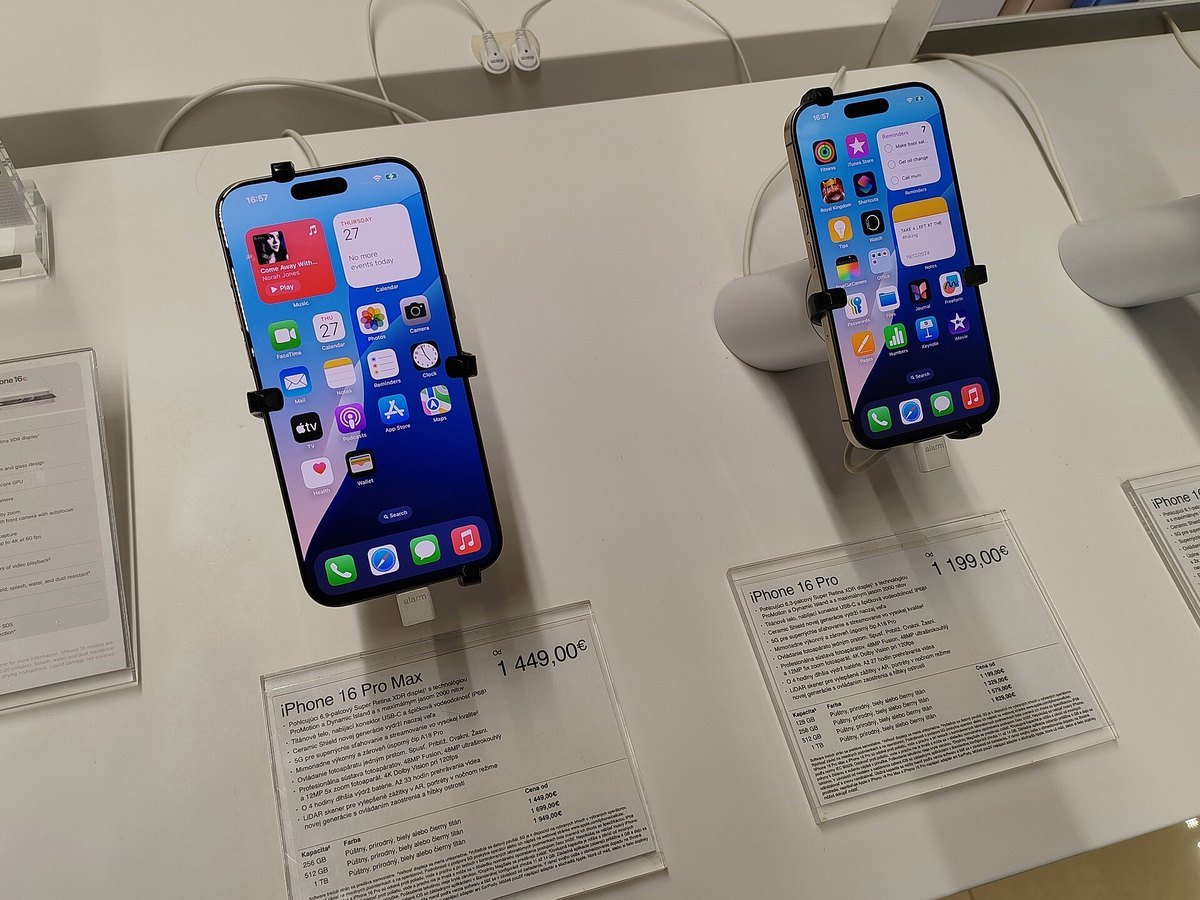
In iOS 27 it takes 3 taps in Settings: Apple’s page Change your default search engine on iPhone, read October 28, 2026, says to open Settings, “Tap Search, then tap Search Engine,” and pick one. Apple’s Safari page also lists a second route, through Apps, then Safari, then Search Engine.
- Open the Settings app, the gray gear icon.
- Tap Search. If you do not see it, tap Apps, then Safari.
- Tap Search Engine.
- Tap the engine you want. A check mark shows your choice.
- Open Safari and search for anything to make sure the new engine answers.
On a Mac, Apple’s Safari guide, read the same day, says to delete all the text in the Smart Search field at the top and “Choose a search engine from the list,” or use the Search pane of Safari settings.
Changing engines is easy to undo. If you miss Google, go back to the same screen and tap Google again. Nothing is deleted, and your bookmarks stay where they are.

Which search engine in Safari lets you turn off AI answers?
DuckDuckGo and Ecosia do, by their own help pages read October 28, 2026; Google, Bing and Yahoo did not show a personal off switch on the pages we read. Here is what each one said.
- DuckDuckGo. Its help page Opting out of AI says to go to Search Settings, then AI Features, and “Select Never from the Search Assist dropdown options,” then Save and Exit. A second page says noai.duckduckgo.com works like the regular site, “except all AI features are turned off.”
- Ecosia. Its page Generative AI on Ecosia Search, last updated October 9, 2026, says AI Overviews “are activated on Ecosia by default” and that you can uncheck them in Ecosia search settings. It also says its full AI-free mode is desktop only for now.
- Bing. Microsoft’s page How Bing delivers search results says Bing sometimes shows “LLM-generated summarized results” at the top. We found no off switch on it.
- Yahoo. Yahoo’s search privacy page, last updated June 2026, describes Yahoo Scout as an AI-powered search and answer service. Yahoo’s only off method we found is for routers, which blocks AI chat for a whole home network.
For most readers, the gentlest change is DuckDuckGo with Search Assist set to Never. Its results look like a plain list of links, much like Google did years ago.
Is the Summarize button in Safari safe to ignore?
Yes: Apple’s Browse the web page, read October 28, 2026, says Summarize runs when you tap it, and Apple’s Safari settings page calls it a feature that “requires Apple Intelligence.” Leaving it alone does nothing to your phone.
Apple’s Customize your Safari settings page says you can tap Customize Menu and remove actions from the Page menu. It does not say whether Summarize is one of the actions you can remove, so we cannot promise that step will hide it.
If you do try Summarize, read the result as a rough sketch. Apple’s iOS 18 guide warned that Apple Intelligence outputs may vary and that you should check important information. That advice matters most for medicine, money and news.
Can I stop Safari from using AI on my grandchild’s iPhone?
Partly: Apple’s Screen Time page, read October 28, 2026, lets a parent go to Content & Privacy Restrictions, then Siri, and choose Siri Classic or block Siri AI capabilities such as Image Creation. It does not list a Safari summary block.
For a child, the search engine choice above matters more. Set the engine on the child’s phone, and talk to the parents first. Our guide to parental controls on ChatGPT covers the other app children reach for.

Apple’s 3-minute Siri AI walkthrough and a 9to5Google explainer on AI Overviews
We chose 2 videos on October 28, 2026. The first is from Apple’s own support channel and shows the Apple Intelligence assistant that sits behind Summarize. The second, from the tech site 9to5Google, explains what AI Overviews are, though it was posted in 2024.
Setting up DuckDuckGo on a parent’s iPhone takes six steps
- Ask what bothers them: a summary they tapped, or the AI box on top of Google results. Those have different fixes.
- Find out the phone model in Settings, General, About. If it is older than iPhone 15 Pro, any AI they see in Safari is from the search engine.
- Open Settings, Search, Search Engine and pick DuckDuckGo together.
- Open duckduckgo.com in Safari, go to Settings, AI Features, and set Search Assist to Never. Tap Save and Exit.
- Search for something they care about, like a pharmacy’s hours, and check the result looks right.
- Write the steps on a card in large print, and keep it near the phone.

Chrome, Firefox and Edge each hide their AI in a different menu
If Safari is not the only browser in the house, we have read the official pages for the others too: turning off AI in Chrome, turning off AI in Firefox and turning off AI in Edge. Google’s results are covered in how to get old Google search back.
For the rest of an Apple device, see turning off AI summaries on iPhone and turning off Apple Intelligence on a Mac, plus iPhone call screening. Google apps have their own guides: Gmail, Google Docs, Google Maps and Canva.
Turning AI off is not the only goal. Our ChatGPT guide for beginners over 50 and best AI tools for seniors show where it helps. For safety, read AI scams targeting seniors, how to tell if a picture is AI and our family safe word examples. Every beginner guide is on Start Here, and our hand-counted job data is on the AI Jobs Tracker.
What else do people ask about AI in Safari?
How do I turn off AI on Safari on my iPhone?
Safari has no AI switch of its own in iOS 27. Apple AI in Safari only runs when you tap Summarize. To stop the AI box on top of search results, change the engine in Settings, Search, Search Engine, or use the Web filter on Google.
How do I turn off the Google AI overview in Safari?
You cannot switch it off; Google Search Help, read October 28, 2026, says AI Overviews are a core feature that cannot be turned off. You can tap the Web filter after each search, or pick a different search engine for Safari.
Does Safari have AI built in?
Yes, on newer devices. Apple’s iOS 27 guide lists Summarize and Notify Me in Safari, both using Apple Intelligence on an iPhone 15 Pro, iPhone 15 Pro Max or iPhone 16 model or later. Both wait for you to use them.
Does DuckDuckGo have AI?
Yes, but you can turn it off. DuckDuckGo help pages read October 28, 2026 say to set Search Assist to Never in Search Settings, AI Features, or to search at noai.duckduckgo.com, where all AI features are turned off.
How do I turn off AI on Safari on a Mac?
The same way: there is no Safari AI switch, so the fix is the search engine. Apple’s Safari for Mac guide says to clear the Smart Search field and choose an engine from the list, or use the Search pane in Safari settings.
The 8 Apple pages and 6 search company pages behind this guide
- Apple Support, Turn off and restrict access to Apple Intelligence features on iPhone, iOS 27, read October 28, 2026.
- Apple Support, Browse the web using Safari on iPhone, iOS 27, read October 28, 2026.
- Apple Support, Customize your Safari settings on iPhone, iOS 27, read October 28, 2026.
- Apple Support, Search for websites in Safari on iPhone, iOS 27, read October 28, 2026.
- Apple Support, Change your default search engine on iPhone, iOS 27, read October 28, 2026.
- Apple Support, Block features or content with Screen Time, iOS 27, read October 28, 2026.
- Apple Support, Choose a search engine for Safari on Mac, read October 28, 2026.
- Apple Support, Get webpage summaries with Apple Intelligence on iPhone, iOS 18 version, used only for the accuracy note, read October 28, 2026.
- Google Search Help, AI Overviews in Google Search, read October 28, 2026.
- Microsoft Support, How Bing delivers search results, read October 28, 2026.
- Yahoo, Search services privacy page, last updated June 2026, and Update network settings for AI chat, read October 28, 2026.
- DuckDuckGo Help, Opting out of AI and About noai.duckduckgo.com, read October 28, 2026.
- Ecosia Support, Generative AI on Ecosia Search, last updated October 9, 2026, read October 28, 2026.
Featured image: Bruno Liljefors, Portrait of Father, 1884, Wikimedia Commons, public domain, cropped.
About the author. Prof. H writes profhlab’s AI for Beginners guides for readers who are new to AI or over 50. Each guide is built from the pages it quotes, read on the date shown. Does your Safari list show a search engine we did not check, or does your Page menu let you remove Summarize? Tell us on the Ask page and we will update this guide with a dated correction. More about Prof. H on the About page.
Prof.’s H Newsletter
One short email a month, with the numbers in it
What actually moved in AI hiring, AI prices, and the scams aimed at older Americans. Counted here, dated, and linked to the source. One email a month, and your address goes nowhere else.